WebRTC Streams
A box can publish what it renders as a live video stream, and sample anyone else's stream as a texture. The streams use aaaframe's ShaderTrinket network, so in a class a Field box appears in every browser ShaderTrinket's list of publishers, and any student's ShaderTrinket can be pulled into a Field shader. With no aaaframe server, Field instances on one network can stream to each other through Field's own relay.
Field desktop app required
Publishing needs Field's Electron app on macOS, or on Linux under native Wayland: the stream is captured from a graphics view in an output area, which a web browser cannot show. Receiving needs Electron installed (it is, if the app runs), and on Linux it copies frames through the CPU. Video only; there is no sound.
Publish a shader
This box draws a fragment shader into a 640×360 render target and publishes it as
field-shader. It sits under a renderer box, like any Field 4 graphics box, and its vertex and
fragment properties hold the shaders (the webrtc_shader_jam starting point has all three).
import afield.media.webrtc.webrtcSink

@exported
val sink = webrtcSink("field-shader", 640, 360)

val module = moduleHere { +sink }
val quad = Mesh()
module += "quad" to quad
sink += "content" to module

quad.clock = { vec(System.nanoTime() / 1e9, 0.0, 0.0, 0.0) }
quad.set(4, 2) {
    pos.add(-1, -1, 0)
    pos.add(1, -1, 0)
    pos.add(1, 1, 0)
    pos.add(-1, 1, 0)
    tri.add(0, 1, 2)
    tri.add(0, 2, 3)
}

display("main", sink.html())
+sink points the module at the sink's render target, an ordinary RenderToTexture, and
sink += attaches modules to it as it would to any texture you render into. sink.html() shows
the frames in the output panel and publishes them. The line under the view names the stream and
counts its viewers:
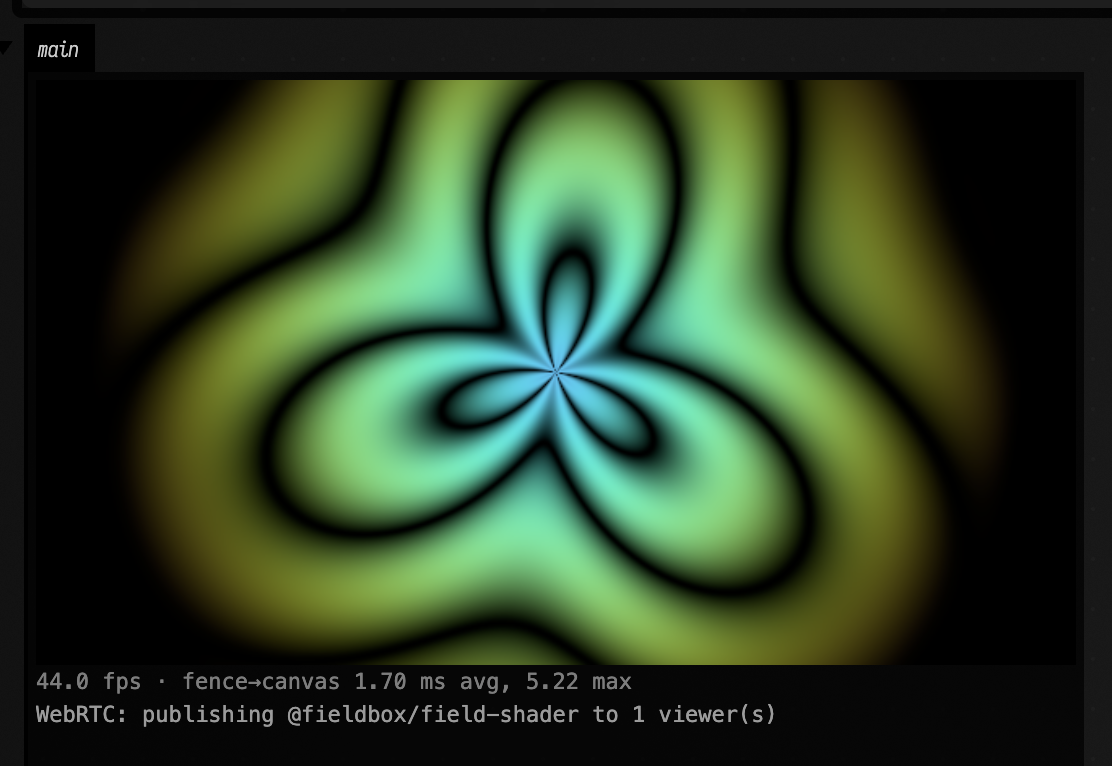
The stream's full name is your login and the name you gave, alice/field-shader. That is what a
classmate types into ShaderTrinket's Receive box. Re-running the box replaces the stream, and
deleting the box stops it.
Receive a stream as a texture
webrtcSource("alice") is a texture showing @alice's stream, and webrtcPublishers() is the
live list of who is publishing. This box shows the list as buttons, switches to whichever one you
click, and draws the stream on a quad in the renderer's window:
import afield.media.webrtc.webrtcPublishers
import afield.media.webrtc.webrtcSource

val publishers = webrtcPublishers()
val source = webrtcSource(publishers.names.firstOrNull() ?: "nobody", 640, 360)
publishers.onChange { names ->
    if (source.target == "nobody" && names.isNotEmpty()) source.watch(names.first())
}
publishers.onPick { name -> source.watch(name) }
display("publishers", publishers.html { source.target })

val material = moduleHere { textures("remote" to source) }
val screen = Mesh()
material += "screen" to screen
renderer += "webrtc-remote" to material

screen.set(4, 2) {
    pos.add(-0.9, -0.9, 0.0)
    pos.add(0.9, -0.9, 0.0)
    pos.add(0.9, 0.9, 0.0)
    pos.add(-0.9, 0.9, 0.0)
    tc.add(0, 0, 1, 0, 1, 1, 0, 1)
    tri.add(0, 1, 2, 0, 2, 3)
}
In the fragment shader the stream is an ordinary sampler, uniform sampler2D remote. The video
is letterboxed to keep its shape (fit = "cover" or "fill" change that). Until the publisher
is online the texture shows a line of text saying what it is waiting for, and when a publisher
stops and starts again the texture picks it up by itself. source.status is that same line.
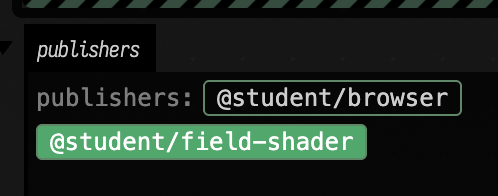
Re-running the receiving box keeps the stream connected and only changes what it watches, so you can edit the shader that uses it without reconnecting.
In a class with aaaframe
Join the class once, by running this in any box with your class's aaaframe address:
import afield.media.webrtc.WebRTCNetwork

WebRTCNetwork.join("https://aaaframe.example.edu")
From then on every webrtcSink, webrtcSource and webrtcPublishers uses that class, in this
run of Field and the next ones. The first box that needs it opens a small Field window on
aaaframe's GitHub sign-in. Sign in as you would in the browser; the window closes by itself, and
the panels connect as @you. If you have already authorised aaaframe on GitHub, the window opens
and closes without asking anything.
Field remembers the class and your aaaframe login in ~/.afield/webrtc/aaaframe-sign-ins.json,
a file only your user account can read. The login stays with your account; sharing a document does
not include it. When the login expires or the class server is restarted with a
new key, aaaframe refuses it, and Field opens the sign-in window again. The publisher list and the
line under a publishing view also have a Sign in to aaaframe button, which starts a fresh
sign-in.
Signing in needs the Field desktop app; a web browser shows "signing in to aaaframe needs the
Field Electron app" instead. A server run in aaaframe's local mode (AAAFRAME_LOCAL_AUTH=1) needs
no sign-in at all: everyone on it shares one login, and the names after the slash tell the streams
apart.
Choosing the class without remembering it
AFIELD_WEBRTC_SERVER names the class for one launch of Field, and
WebRTCNetwork.default = WebRTCNetwork.aaaframe(url) for one run. To use a login you already
have instead of signing in, set AFIELD_AAAFRAME_SESSION to the value of aaaframe's session
cookie, or pass session = "…" to aaaframe; either wins over the remembered one.
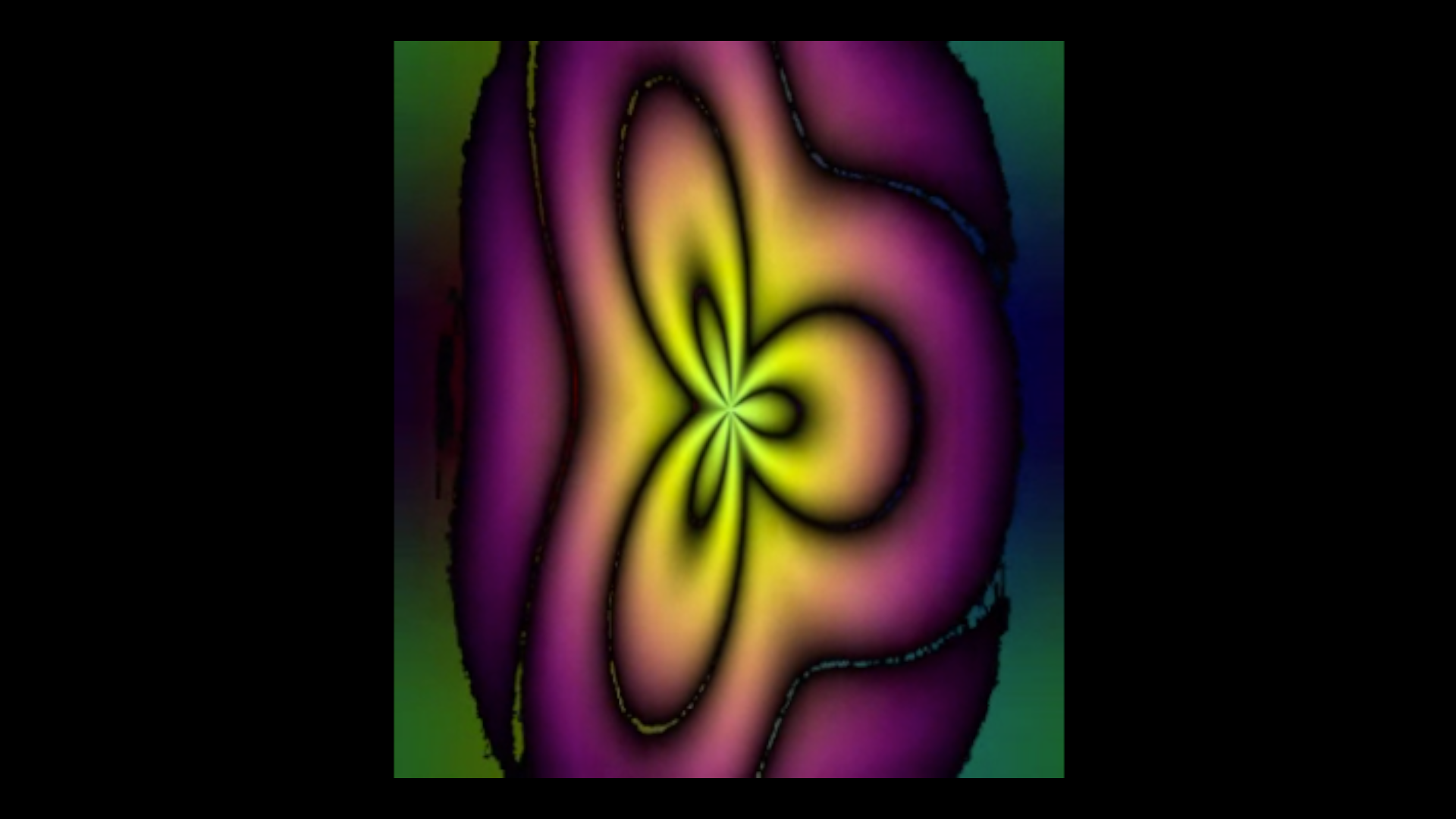
Here a browser ShaderTrinket on a local aaaframe received @student/field-shader into
iChannel0 and published its own canvas, and the Field box above picked @student/browser from
its list. Because the browser's shader mixes the Field stream into its own picture, each shows
the other's petals:

A still shader publishes nothing
A browser canvas only produces video frames when it changes, so a ShaderTrinket whose shader
does not use iTime (its default does not) publishes an empty stream, and Field shows the
waiting line. Field's own views redraw every frame and are not affected.
Without aaaframe
With no server named, everything uses Field's own relay, and the publishers are the other Field
boxes connected to the same Field. Your login there is the computer's user name, or
AFIELD_WEBRTC_LOGIN. The two boxes above work on their own this way: the receiving box shows the
publishing box's stream.
Networks and limits
Streams travel directly between the two machines; the server only introduces them. That works on one local network, and through most home routers, using the public STUN servers aaaframe lists. It does not work between two networks that both block direct connections (some campus and corporate networks do), because Field has no relay server (TURN) for the video itself.
How fast it is
On one machine, a frame takes about 50 ms from Field rendering it to the receiving page showing
it, and around 100 ms under heavy load. The stream is captured at up to 30 frames a second. A
source made with measure = true measures this for your own setup. The percentiles are in
dev_docs/WEBRTC_LATENCY_MEASUREMENTS.md.
How this works
The JVM never touches WebRTC. The sink's page script calls canvas.captureStream(30) on the
output-area canvas ElectronRTTView draws into; the source is a hidden puppet Electron page
(webrtc-source.html) playing the remote track in a <video>, whose paints become the texture
through FieldUiBrowserTexture. Pages talk only to Field's /ws/webrtc-signaling, which relays
itself or copies frames to aaaframe's /ws/shadertrinket-signaling with the session cookie,
which electron/aaaframe-sign-in.js reads from its sign-in window's cookie jar; the
reasons (Lax cookie, separate Electron profile) are in dev_docs/WEBRTC_SOURCES_SINKS.md.
The figures on this page are screenshots, not docs-runner captures, because they need two
running peers.