Direct lighting
Move an area light and watch its shadow travel across a scene. Add more lights, change their colors, or edit the geometry while Field keeps drawing. This renderer uses rasterized surfaces and Vulkan ray queries for shadows; optional RTXDI sampling makes a larger set of lights practical without tracing a shadow ray to every light at every pixel.
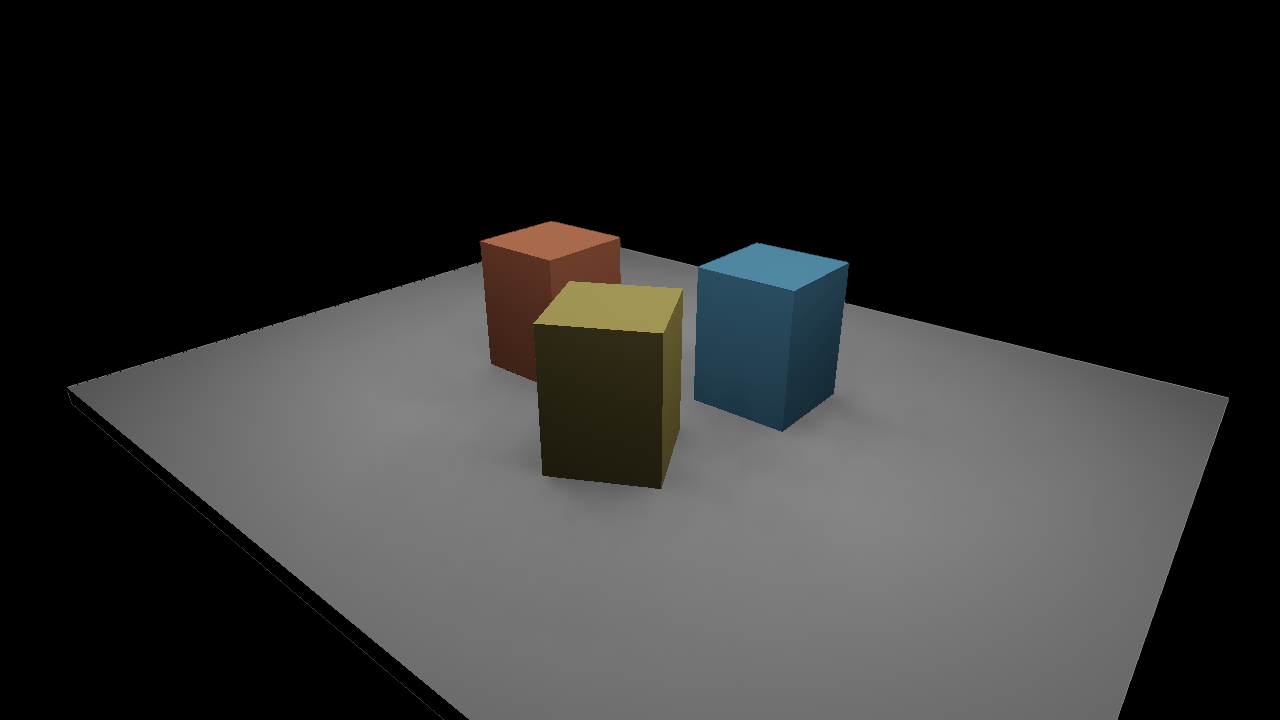
The still and movie render at 1280 × 720, with 16 candidates per pixel, temporal reservoir reuse, eight spatial neighbors and three reconstruction passes. Reconstruction smooths sampling noise while respecting surface normals, depth and material boundaries. It uses the current frame only, so it does not drag old colors behind a moving light. It can soften a sharp shadow edge; turn it off when inspecting the estimator.
Start here
On Field's welcome screen, open Starting points, search for direct_lighting, and
open an editable copy. Run the renderer parent, then direct lighting.
The parent supplies renderer to the scene box through Field's normal property inheritance.
Use the arrow keys in the native window to move the camera.
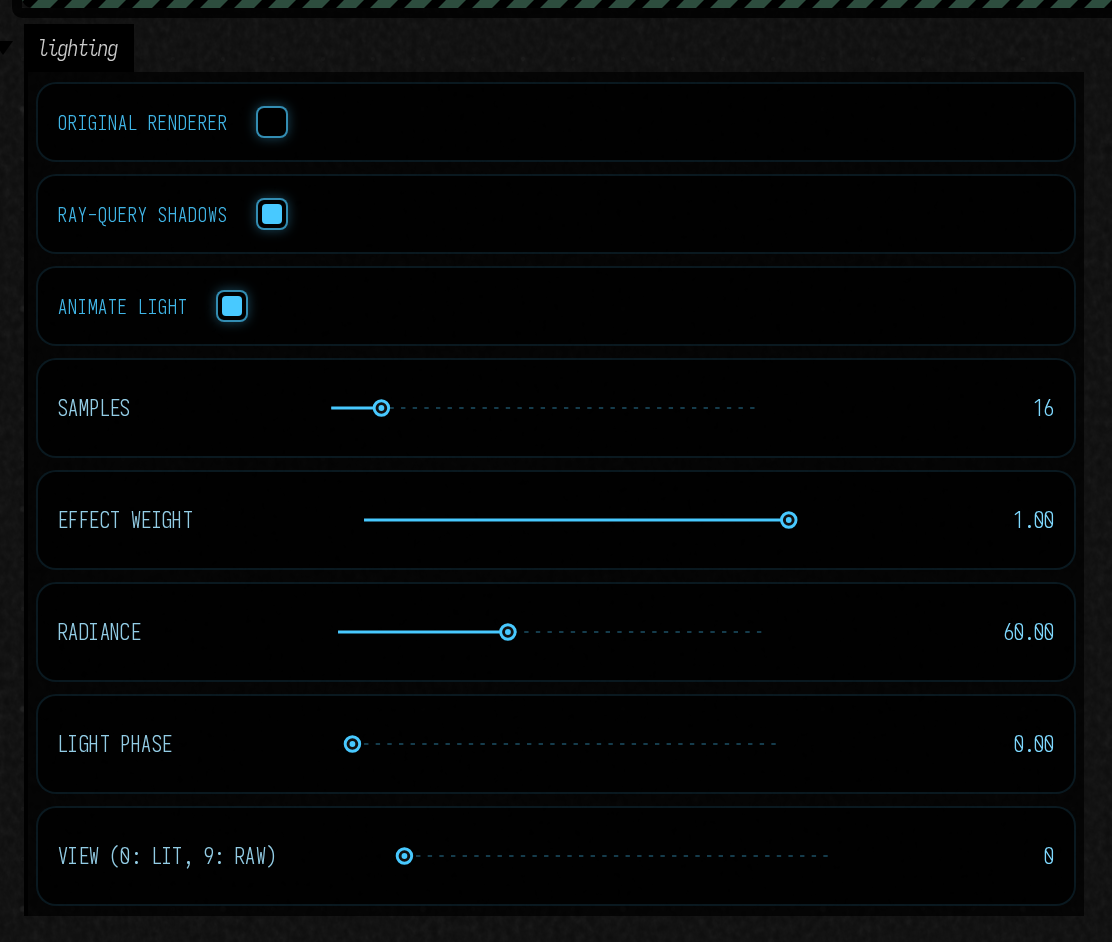
The starting point works without the optional SDK. It opens a one-light scene and uses ray-query shadows when the device supports them. The Original renderer switch returns to the source image immediately; Ray-query shadows lets you compare the same scene with and without occlusion.
Enable the optional RTXDI controls
In a Linux x86-64 checkout, run uv run python tools/lighting/build_rtxdi.py --prepare
once, then relaunch the scene box. This prepares the pinned SDK and shader compiler in
build/; ordinary Field builds do not download them. The controls appear when both
the shader bundle and ray-query device features are available. The downloaded SDK's
Libraries/Rtxdi/LICENSE.txt contains its license.
Shape the light
Animate light and Light phase move the emitters. Radiance changes their strength; Area lights changes how many share that energy. Try pausing the animation, dragging phase through a full turn, and watching the contact shadows beneath the boxes.
Samples sets the initial candidate budget. Temporal reuse shares useful samples between frames; Spatial neighbors shares them between nearby compatible surfaces. Neither switch averages the final image. Reconstruct lighting is the separate spatial filter that turns those noisy estimates into the opening image. Reset history clears reservoir history when you want to watch it start again.
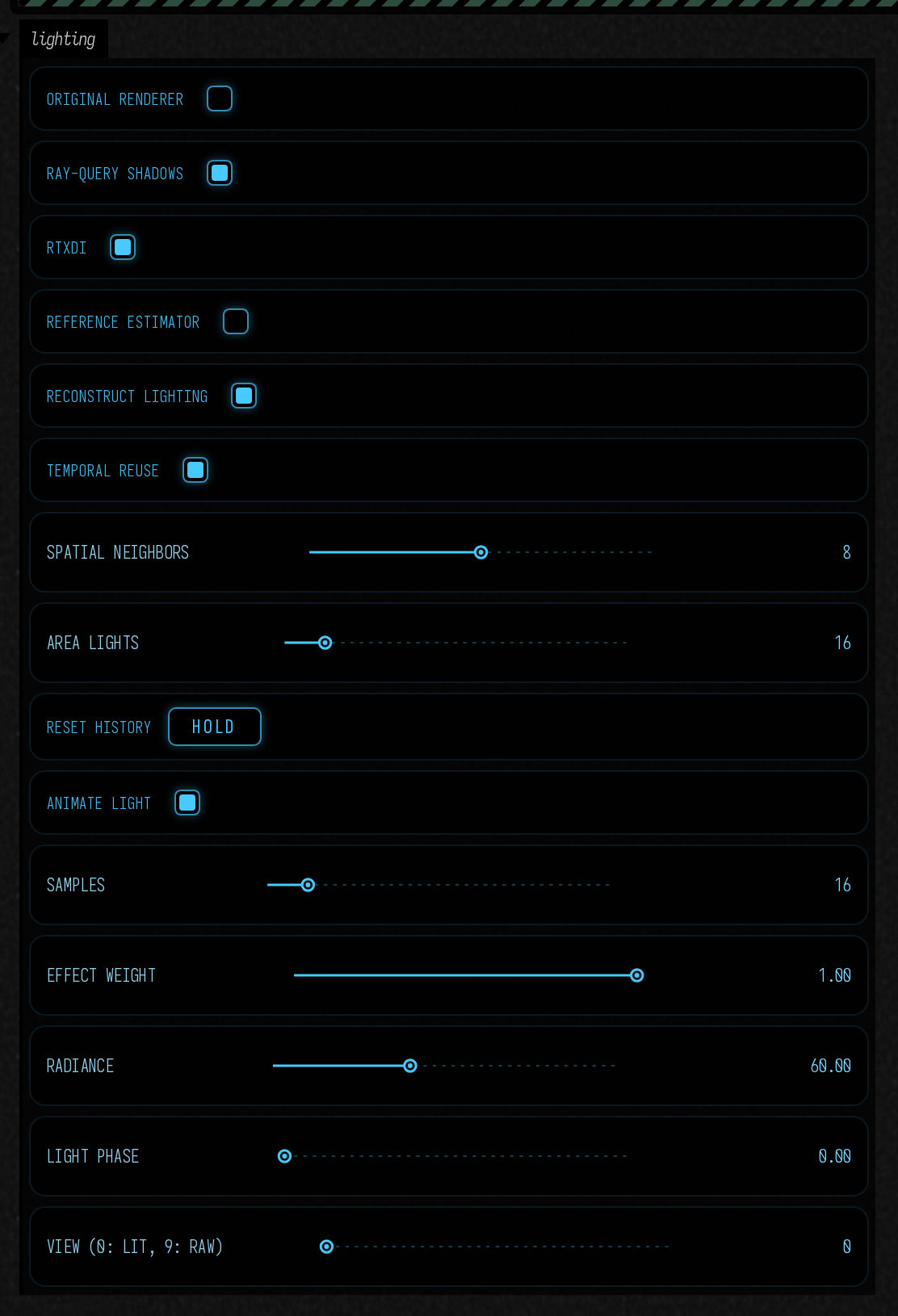
View switches among the presented image, normals, depth, visibility, motion, light IDs, reservoir count, reservoir weight, history rejection and raw lighting. These views bypass reconstruction. Reference estimator uses uniformly sampled lights for comparison. Effect weight blends the source image and reconstructed lighting, preserving the original source at zero.
Baseline controls without the optional SDK
Reuse against reconstruction
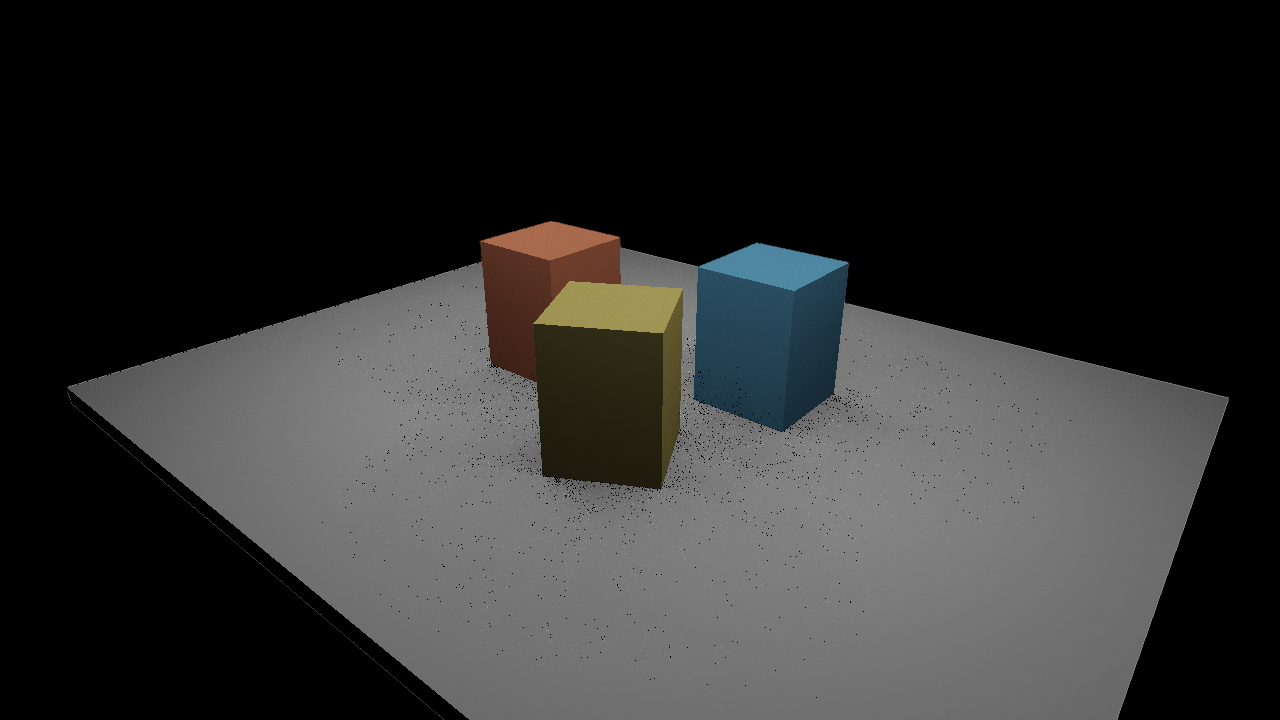
A reservoir retains one selected light sample per pixel. Even after reuse, that sample can be occluded: a dark pixel among bright neighbors is often Monte Carlo variance, not missing geometry. Reuse improves which samples survive; reconstruction combines their image estimates. Keep the raw view to hand — a smooth picture tells you nothing about the sampler under it.
Raw temporal and spatial reuse — the same frame as the opening image:
Uniform reference, averaged to 4,096 samples per pixel:
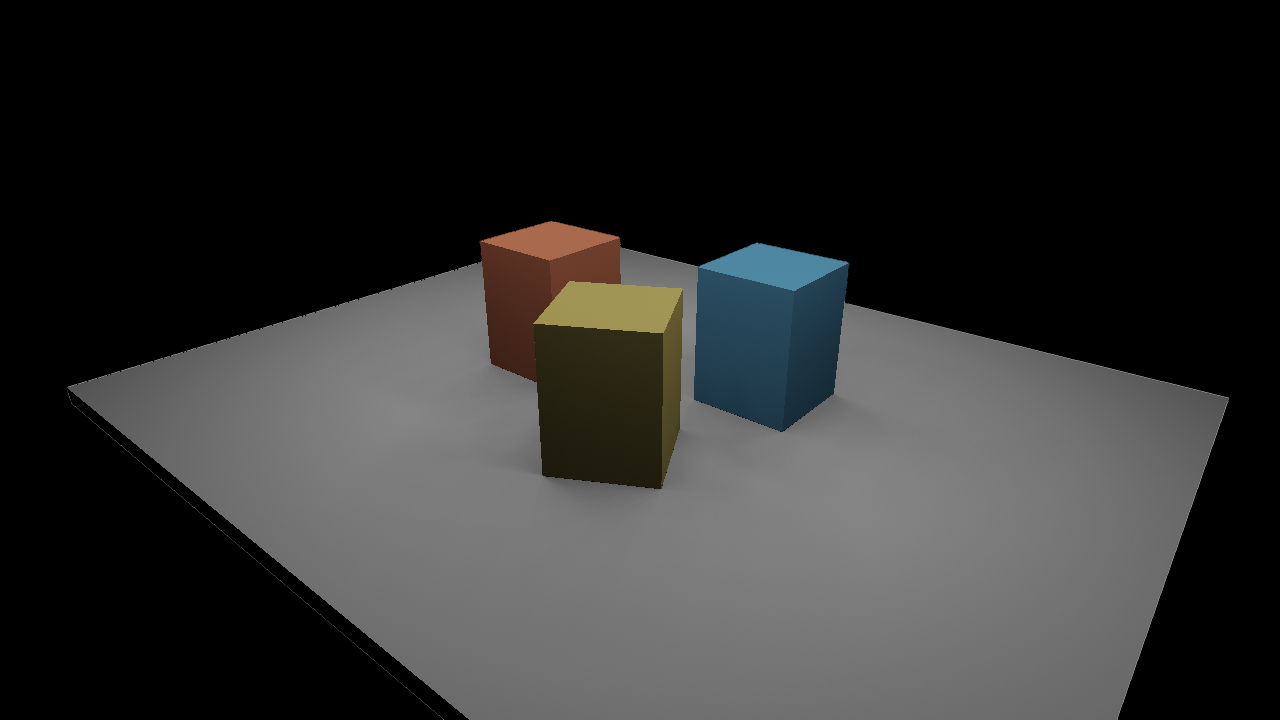
All three use the same geometry, camera, lights and display transform, so they can be read against each other. Reconstruction is deliberately separate from reservoir storage: it cannot change later sample selection. It is a small surface-guided filter, not DLSS or a learned denoiser.
Edit the scene
In a box connected below the renderer parent, a small one-light experiment is:
import afield.graphics.render.lighting.*

val study = DirectLightingDemo(renderer, 1280, 720)
study.lighting.samples = 32
study.lighting.mode = if (study.visibility.available) DirectLighting.Mode.RAY_QUERY else DirectLighting.Mode.UNSHADOWED
frames {
    var t = 0.0
    while (true) {
        study.animate(t)
        t += 1.0 / 60.0
        frame()
    }
}
    .end { study.close() }
Stopping the box closes its study. Re-running the box replaces the study: a new DirectLightingDemo closes the one the same box made before.
The camera lives at study.bundle.scene.camera. Call study.moveObject(index, matrix) to
move one of its opaque objects and update both raster geometry and shadow visibility.
The resolution belongs to the study; resizing the native window scales its presentation.
To sample several lights, add this before the frame loop:
import afield.graphics.scene.fabricated.rtxdiSettings

val settings = study.bundle.rtxdiSettings()
settings.commitLights([IdentifiedAreaLight(42, study.lighting.emitter)])
study.lighting.enableRtxdi(RtxdiProgram.load(), settings).getOrThrow()
study.lighting.mode = DirectLighting.Mode.RTXDI
study.lighting.samples = 16
settings.temporal = true
settings.spatialSamples = 8
settings.denoisePasses = 3 // zero gives the raw estimate
An AreaEmitter has a center, two full edge vectors and linear RGB radiance. The cross
product of the edges points toward its emitting side. Change the edge lengths to change
shadow softness. The emitter supplies illumination; it is not automatically drawn as a
visible rectangle.
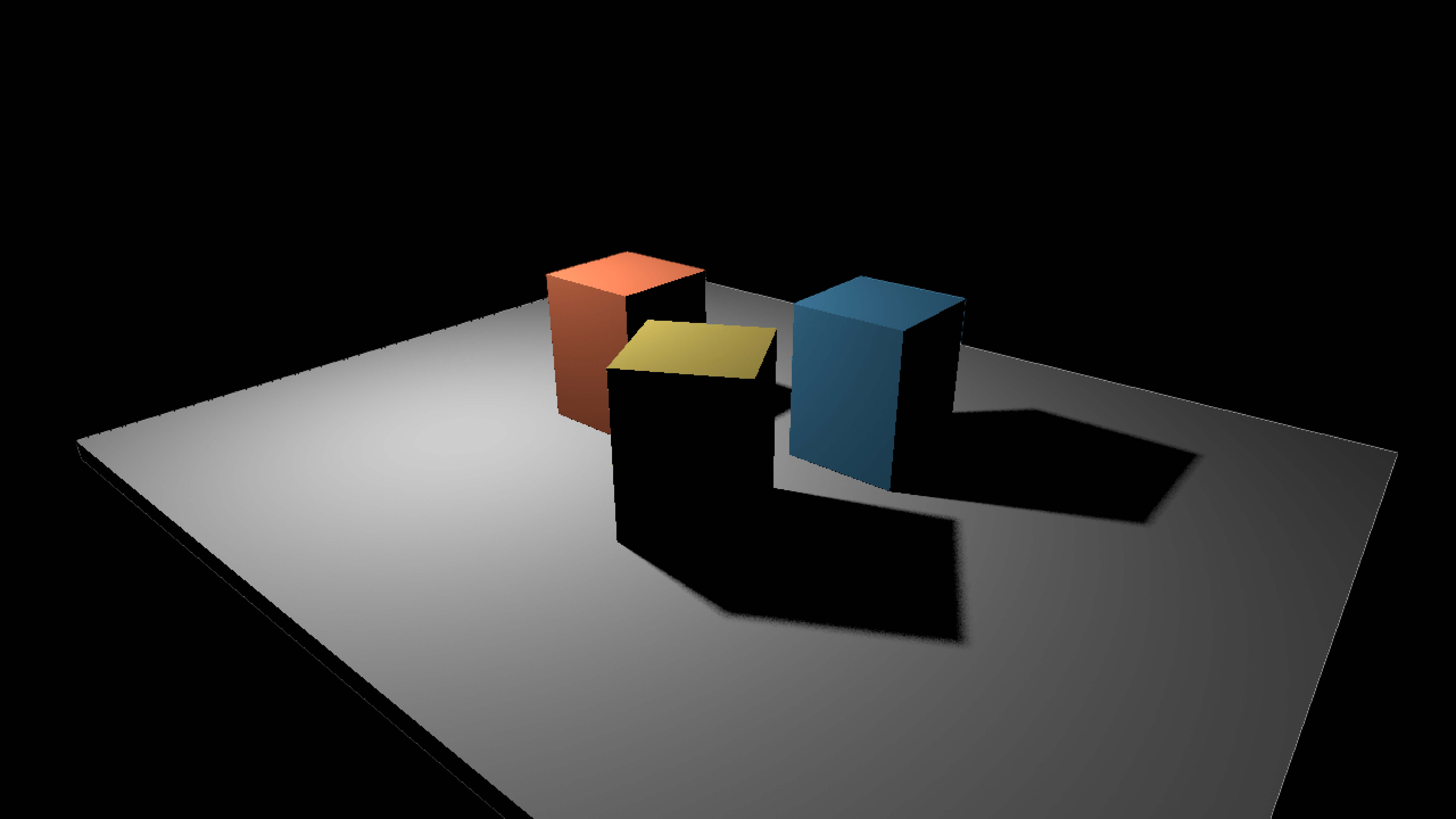
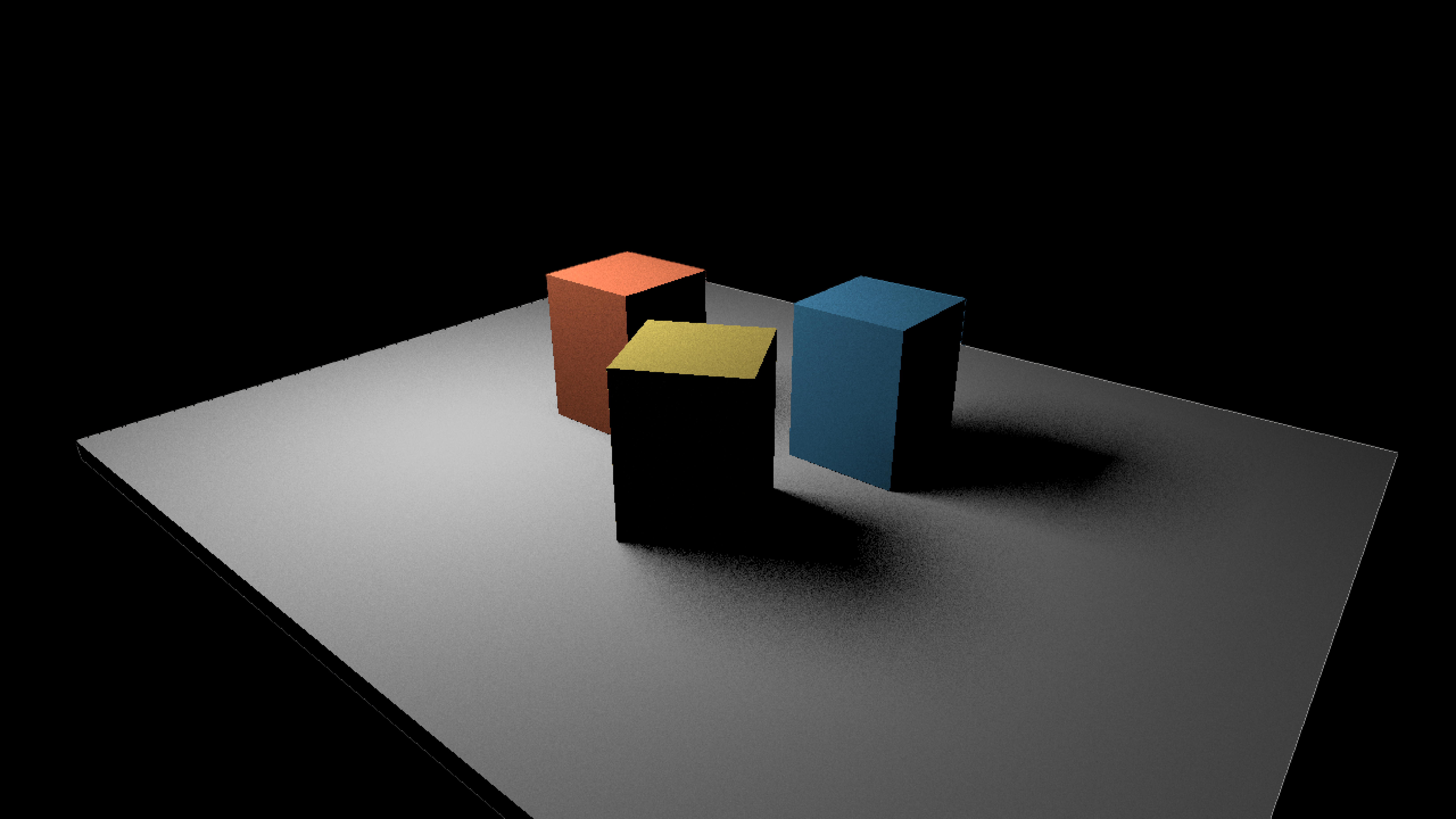
The one-light study with ray-query shadows, first with a 0.2 × 0.2 emitter and then with a 2.5 × 2.5 one. Radiance is scaled by the inverse of the area, so both deliver the same power:
Keep each light's ID across movement and reordering. After editing lights, call
settings.commitLights(...) between frames; it copies the list and its vectors. Deleted
IDs are rejected from history. Use settings.resetHistory("material edit") after changing
material meaning. Camera cuts, projection changes, geometry commits and sampling changes
also reset reuse automatically.
Bring your own geometry
For a Fabricate bundle, build an OpaqueRayScene(renderer), commit
its OpaqueInstance values, then attach bundle.directLighting(visibility) after the
bundle's surface passes. Present lighting.output. registerOpaqueTriangles(...) uses
the same indexed geometry for rasterization and shadow rays.
For Field 4 surfaces, DirectLighting(renderer, surfaces, visibility, width, height)
accepts point-sampled world positions, world normals, linear RGB albedo, original source
color and motion. RtxdiSettings additionally takes the same view and Vulkan projection
matrices used for rasterization. Convert pigment or latent colors to linear RGB at this
boundary. Coverage alpha is not an effect mask.
This path currently supports opaque triangles, diffuse surfaces and rectangular area lights, in mono. Use the path tracer for glass, reflective materials, indirect bounces and participating media.
Inspect a result
lighting.readLinear() returns the untouched linear estimate;
lighting.readPresentedLinear() includes reconstruction when enabled. Neither applies the
display transform. lighting.rtxdiTimings reports candidate generation, temporal reuse,
spatial reuse, visibility and reconstruction separately.
A shader edit is transactional: compilation or layout failure preserves the working
pipeline. lighting.reload(...) replaces the baseline GLSL. For RTXDI, rebuild the optional
shaders and call lighting.reloadRtxdi(RtxdiProgram.load()) between frames; successful
replacement resets reservoir history.
Measurements and implementation details
The estimator, feature fallback, history invalidation, light identity and shader reload
checks are recorded in dev_docs/lighting/IMPLEMENTATION.md. Full-resolution pixel-error
and reconstruction timings are in dev_docs/lighting/results/quality-measurements.json.
The captures use Reinhard tone mapping and gamma; the checks use unclamped FP32 RGB.
The optional SDK pins, exact toolchain and DLSS feasibility investigation live in the
same developer documentation directory.