Let AI4 drive a live webpage
A webpage in a box's output can be a place for you and AI4 to work together. In this example the page has a textbox; ask the agent to fill it and watch the result in Field's Electron app.
display(
    "page",
    """<iframe src="/iframe-ai4-demo.html" data-afield-intrinsic-width="720" data-afield-intrinsic-height="380" style="border:0;width:720px;height:380px;display:block"></iframe>""",
)
exposeOutputIframeTools("page", "hello")
Unit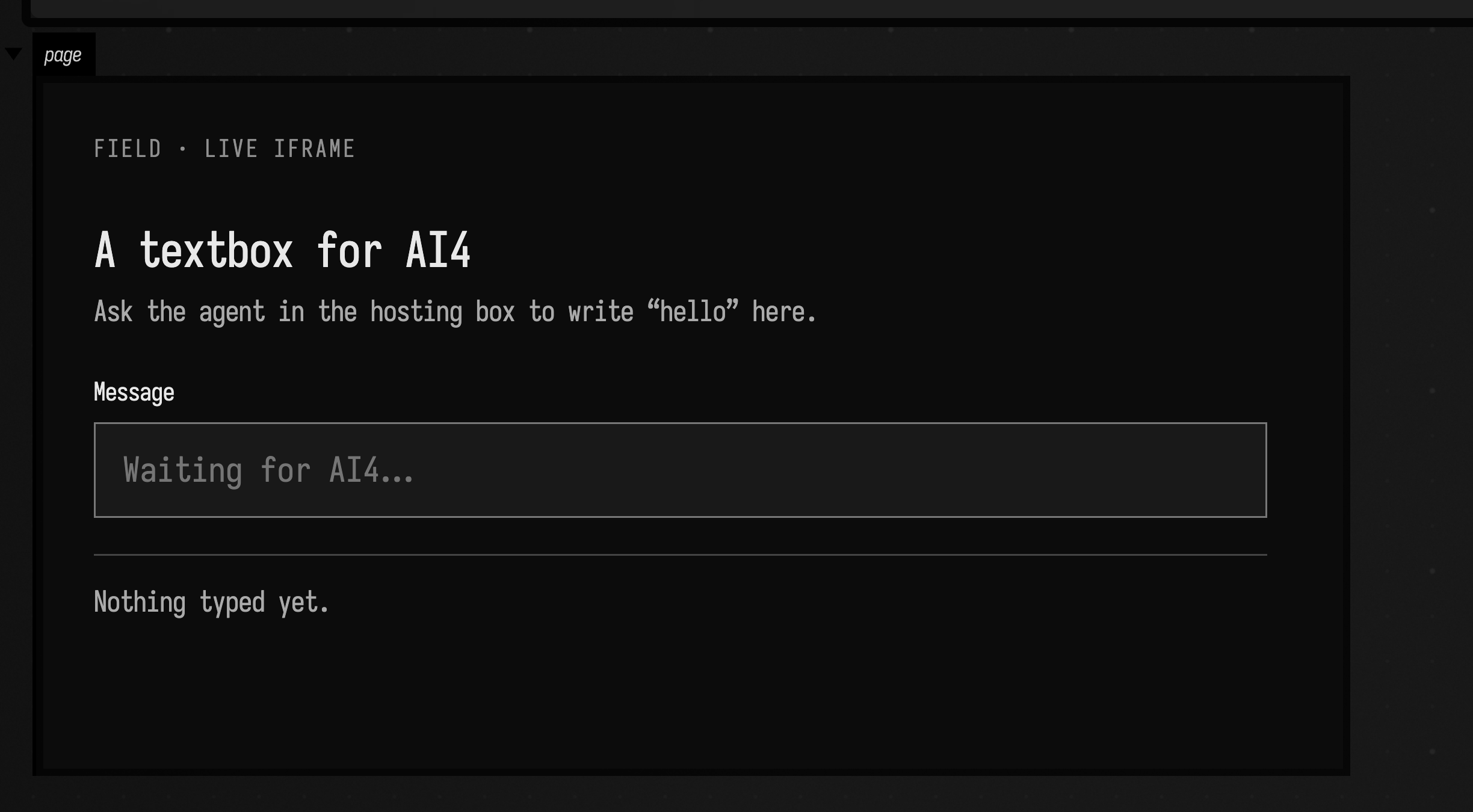
Open the Iframe hello starting point ↗
in Field, run the box, and open its AI Chat panel with ctrl/command-4. Try:
Write “hello” in the webpage's Message textbox, then inspect the page and tell me what it says.
The hosting box opts in with exposeOutputIframeTools("page", "hello"). That call gives AI4 the
tools iframe_hello_inspect, iframe_hello_wait, iframe_hello_navigate,
iframe_hello_screenshot, iframe_hello_click, iframe_hello_fill, and
iframe_hello_evaluate. They belong to this document and disappear when the box no longer
registers them. Other documents do not receive them.
fill waits for a CSS selector, sets an input's value, and emits the input/change events that
web apps listen for. inspect can return the whole live DOM and inline script source, or matching
elements for a selector. wait retries through page changes. navigate loads a URL and waits
for the iframe's load event. screenshot sends AI4 an image of the iframe's visible pixels in the
Electron tab. evaluate runs arbitrary JavaScript in the iframe and returns a JSON value, for
work that does not fit the named tools.
To use your own page, change the iframe's src in the hosting box to its URL and run the box
again. The bridge evaluates code inside that iframe, including pages on another localhost port;
it does not change Chromium's normal web security. A page must be visible in the Field Electron
app for these AI4 tools to reach it. A screenshot pans the canvas to an output area that is
offscreen.