Flow grain and motion
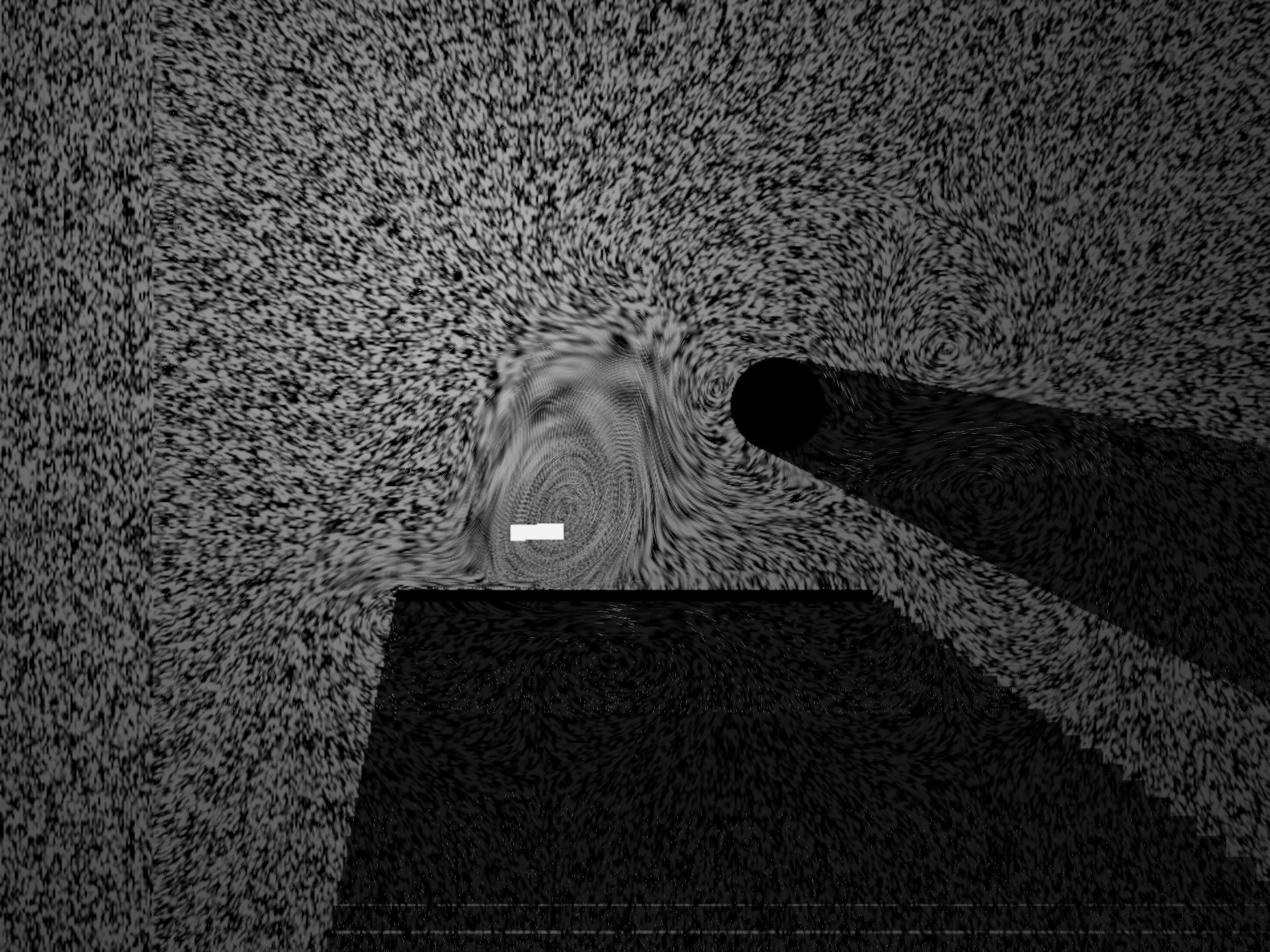
Open the flow_grain starting point and launch its numbered boxes in order. A small fluid moves through a bounded pool of world tiles. The image combines a short integral of random grain with finite particles drawn as thin velocity strokes. A rotating marker also writes previous-frame coordinates into a second render-target attachment.
The graph is installed by the macro
flow_grain.yaml;
running it in an empty document creates and launches every box.
Each stage is an ordinary box: edit its shader, reload it, and inspect the result. The
fluid storage helper is another editable box. Small reusable functions are included
from afield.simulation.flow.FlowShaders; the render targets, dispatch order, barriers,
lighting and artistic parameters remain in the graph.
Things to try
| Box | Experiment |
|---|---|
| Parameters | Set travel.set(true) and execute. The camera crosses tile boundaries and changes zoom. |
| Parameters | Change grainCell.requested for finer grain or strokeTime.requested for longer flow lines. |
| Parameters | Set force.requested = 100. Inspect the returned snapshot: requested is 100, effective is 12. |
| Reset | Execute repeatedly. Simulation contents restart at a render-frame boundary without replacing the renderer or buffers. |
| Present color or motion | Set flowLook.w to 3 for previous UV or 4 for amplified displacement. The moving marker differs from the stationary world. |
| Profile | Launch a repeatable reset, warm-up and 180-frame camera path, then inspect the existing profiling timeline. |
Use Field's normal Stop Box and Launch Box controls. Stop the renderer to stop rendering; stop a stage to remove it from the pipeline. Relaunching the resources box relaunches the stages that use its resources, in their numbered order. Shader reloads preserve the resources.
Stopping a stage detaches its work so you can edit and relaunch it. Closing the document's last session also closes its native renderer, which waits for the device and then releases the buffers, textures and shader resources the graph registered.
Resident world tiles
afield.graphics.render.TileResidency maps world tile coordinates onto a fixed number of slots.
It floors negative coordinates correctly, retains overlapping tiles during movement,
and increments a slot generation whenever the slot is recycled. A teleport costs the
same bounded scan as ordinary movement. It does not allocate a larger world.
val tiles = TileResidency(columns = 5, rows = 5, tileSize = 4f)
val metadata = IntArray(tiles.capacity * 4)
tiles.moveTo(cameraX, cameraY)
for (i in 0 until tiles.changedCount) {
    val slot = tiles.changed[i]
    // Clear or regenerate this slot's simulation contents.
}
tiles.pack(metadata)
The packed record is (worldX, worldY, generation, occupied). Check the resident world
coordinates before sampling a slot in a shader: modulo addressing alone joins opposite edges of
the pool. The demo also tags each cell's contents with its
generation, so a recycled tile cannot read fluid left by its previous occupant.
afield.simulation.flow.TileAtlasLayout adds atlas coordinates and optional halo storage for
texture-based solvers. A halo must be filled from a resident neighbour, or from your
chosen outside boundary condition. The helper does not decide what an unloaded world
means. The demo uses storage buffers and explicit neighbouring-cell lookup instead.
The arrays returned by these helpers are reusable, borrowed storage. Read/update them on the owning simulation thread. Nothing in them is specific to fluid: the same residency and addressing will organize particles, density, masks or lighting caches. For a ready-made fixed-domain solver, see Fabricate Renderer.
Motion history for the camera and for objects
Use the existing afield.graphics.vulkan.targets.FrameHistory for camera history. Capture once per
rendered frame, using Renderer.frameCounter, target dimensions and a scene epoch.
A missed frame, resize, epoch change or explicit invalidation makes history unavailable.
The packed buffer contains four matrices and a viewport vector: 68 floats.
MotionItems adds object history keyed by stable identity. A draw-list index is not an
identity: sorting, culling or deleting another object must not transfer its history.
val history = FrameHistory()
val objects = MotionItems()
val pose = MotionPose()
val previous = FloatArray(8)

// Once per render, after updating pose in place:
// Supply the current viewProjection, target width/height and sceneEpoch from your renderer.
history.capture(renderer.frameCounter, viewProjection, width, height, sceneEpoch)
objects.begin(renderer.frameCounter)
objects.write("emitter", pose, previous, allow = history.available, revision = geometryRevision)
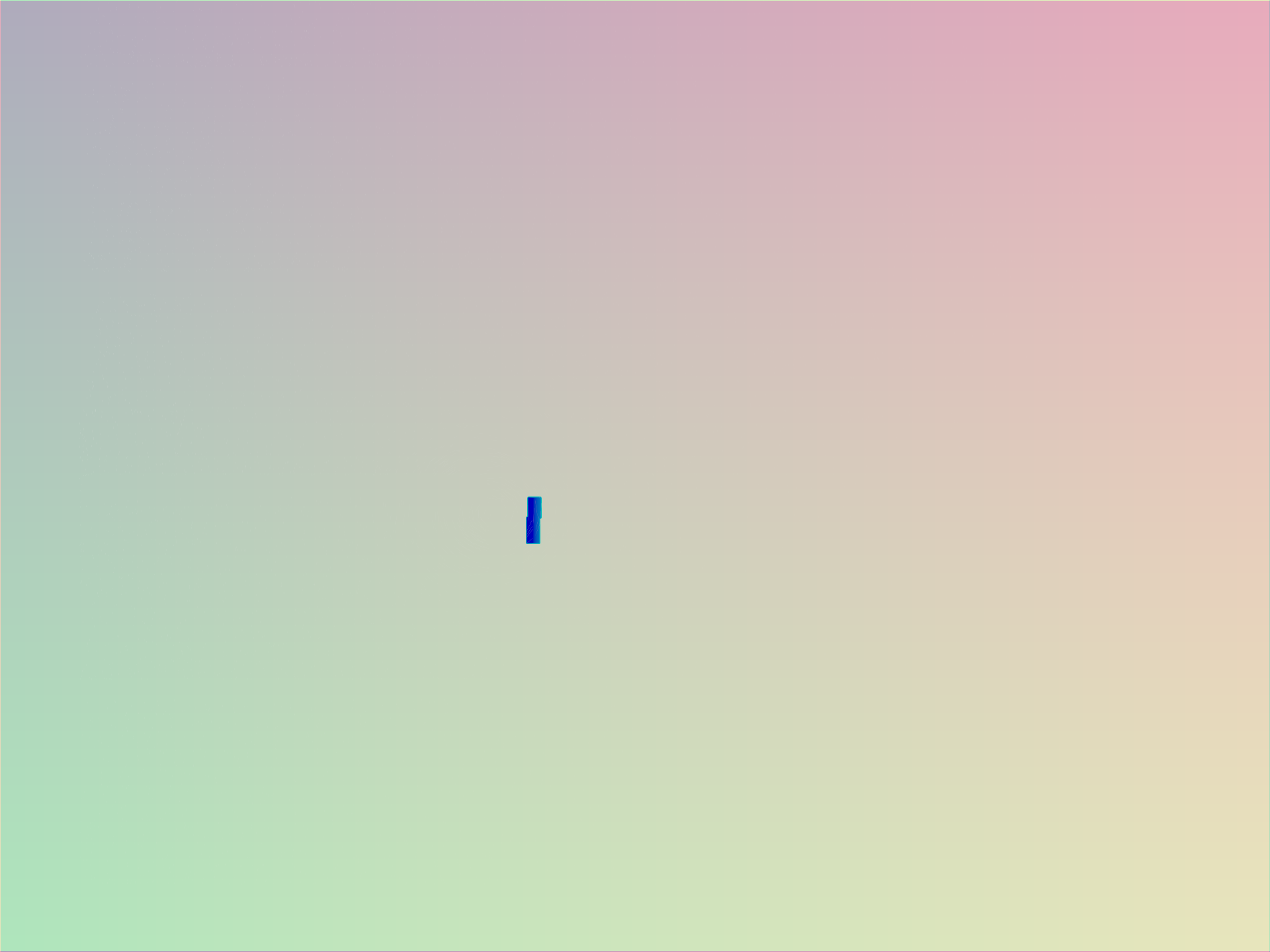
The motion view, flowLook.w = 4, with the camera travelling and zooming. Each pixel shows how far it moved since the previous frame, measured against one fixed point of the frame, so the camera's even sideways travel cancels out. What is left is the zoom, which moves pixels near the edges further than pixels near the middle and spreads the colour from corner to corner, and the rotating marker, which has motion of its own and stands out from the world around it. The grain and the obstacles do not show here: they are fixed in the world, so they move exactly as the camera does.
How the motion figure is made
It runs the flow_grain starting point with travel on and flowLook.w = 4, the renderer capped with Options.maxFrameRate = 30, and the view-4 displacement gain raised from 12 to 400. Uncapped, the hidden capture window ran at thousands of frames a second, and at 12 a frame's motion did not move the colour.
Each object writes two vec4s: previous center, relative rotation/scale, validity,
previous energy, previous softness and a reserved scalar. Change revision when topology
or material correspondence changes. Disappearing for a frame, reappearing after a gap,
resetting or rewinding also invalidates history.
The second attachment of the demo's render target is (previousU, previousV, valid, coverage). These are
absolute texture coordinates with Field's top-left convention, not pixels per second.
The world has camera correspondence; the rotating marker has camera plus object
correspondence. Procedural grain moves with the world and so has camera correspondence
too, but it is a changing signal: reprojecting it will not hold one speck still.
The overlaid finite strokes are intentionally outside this attachment; a production
particle pass should supply its own previous positions and coverage.
Use a floating-point attachment, disable mixing of unrelated motion samples, and keep validity explicit. A transparent composite may contain several moving layers and has no single exact answer. Choose a layer or retain separate correspondence buffers.
Grain and strokes
The packaged helpers are available during editing and compilation, before any box runs. Use Field's normal includes:
#include "flow/grain.glsl"
#include "flow/strokes.glsl"
#include "flow/motion.glsl"
#include "flow/tiles.glsl"
The grain helper asks the box to provide flowVelocity(world) and flowMask(world).
It integrates noise along short streamlines, stopping at a blocked sample. Lighting is
applied after integration at the current surface point, preserving geometric shadow
boundaries instead of gathering brightness through a wall. Finite sampling can miss an
obstacle thinner than a step; use a segment mask or smaller steps where that matters.
Noise lives on fixed world grids. Pixel footprint selects and blends adjacent fixed
scales; changing zoom never rescales noise around the world origin. If you mix motion
from an image into the grain, flowImageVelocity unprojects current and previous
samples through their respective cameras. Pass the fetched motion texel's center,
not the requesting pass's differently sized pixel coordinate.
flowSmoothVelocity uses exponential time-based smoothing. flowStrokeClip projects
the stroke tangent before constructing its screen normal: falling particles become
vertical strokes, including under camera rotation. Length is in world units; width is
in pixels. The vertex and fragment shaders remain editable in the strokes box.
Restarting the simulation
SimulationReset.request() queues a ticket. The owner consumes it with
atFrame(frameId) { ... }. Requests coalesce; a request arriving during reset remains
pending for the next frame. The callback decides what state to clear. Successful resets
replace the epoch token and acknowledge the ticket. Failures are reported and consumed,
without an automatic retry or an implied rollback.
The demo resets tile generations, time and correspondence. GPU resources stay outside the callback. Keep this boundary inside the normal box-owned loop or render hook.
Requested and effective parameter values
EffectiveParameter makes a finite scalar's requested value, effective clamped value,
bounds, units and description inspectable. That is how force.requested = 100 in the
table above turns out to be 12. It is explicit: it cannot discover clamps buried inside
unrelated code or shaders. The parameters box returns these snapshots through Field's
existing object viewer, and shader push constants read the effective values.
Profiling this graph
The profile box uses frameProfile, named scopes and CoroutineProfiles, and captures
CPU and allocations only; GPU pass timings stay in the renderer profiler. To get GPU
queries too, set Options.profiling = true from any box: the running renderer starts its
GPU timestamp queries on the next frame, and stops them when it is set back to false.
Pipeline statistics are collected only on Windows, where the device supports them;
Windows performance counters still need the setting on before the renderer starts.
What each instrument measures, and what it is fair to compare, is in Profiling, in its Holding a frame budget part.