A Terminal in a Box
terminal() puts a real terminal in a box's output area: your shell, or any program, running on a
pseudo-terminal, so colour, cursor movement, full-screen programs like top and vim, and
Ctrl-C all behave as they do in a terminal window. Click in it and type.
The simplest box starts your login shell in the document's directory:
terminal()Closing the panel or reloading the page leaves the process running. Open the panel again to see its output, or use Kill in the header to end it.
Running a program
Pass command to run something other than your shell. The first word is found on your PATH and
in the usual install places (~/.local/bin, /opt/homebrew/bin, /usr/local/bin), so it works
in a Field started from the Dock as well. Give each terminal its own channel name and a box can
show several. This one runs top:
terminal("top", command = ["top", "-o", "cpu"], height = 360)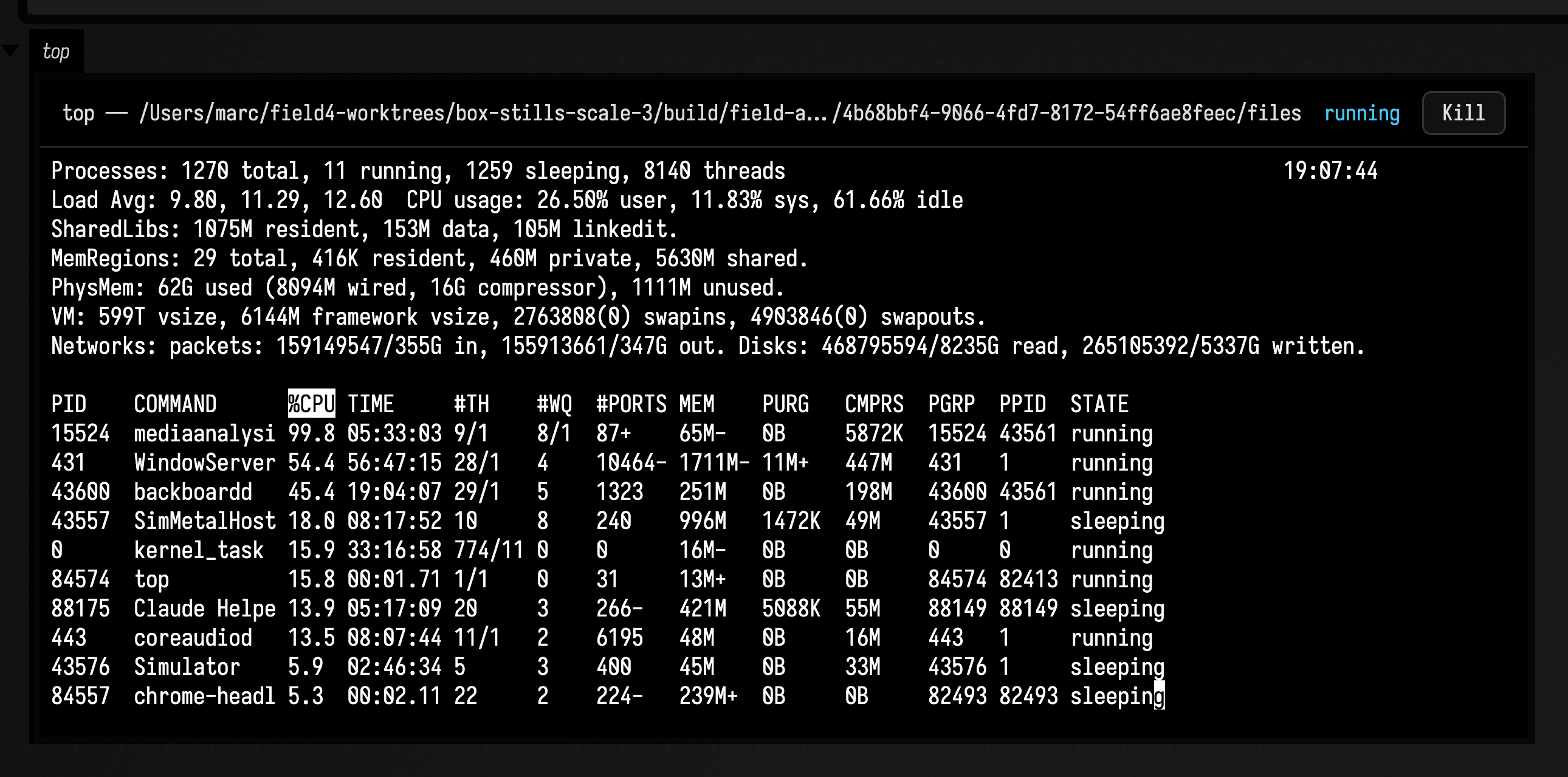
A second call with another channel name gives the box a second terminal:
terminal("logs", command = ["tail", "-f", "/var/log/system.log"])A single command line runs through your shell, with its pipes and globs:
terminal("disk", "df -h | head -5", height = 200)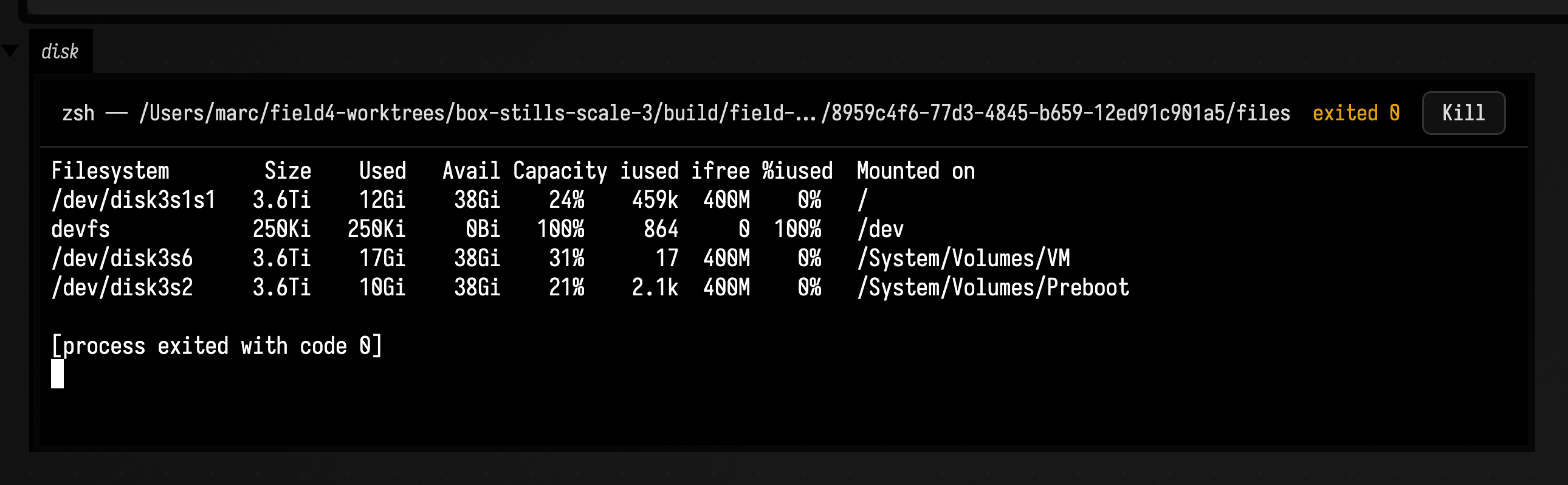
directory sets where it starts; without it, that is the document's directory, or your home if
the document has none yet. width and height are the panel's size in pixels.
Typing into it from code
terminal() returns a FieldTerminal. Its send(line) types a line and a return, and
write(text) types text as it is:
val t = terminal()
t.send("cd ~/Desktop && ls -la")
You can call send straight away. A shell ignores anything typed before it is ready, so Field
holds what you send until the program has printed something and gone quiet, then types it.
Waiting for a program
Four functions wait instead of returning immediately. They suspend, so call them inside go { }:
awaitOutput(pattern)waits until the terminal's output contains text matchingpattern(aRegexor a plain string), and returns the match. Colour codes are removed first, so match the text you see. Each search starts where the last match ended, so output that arrived before you called it still counts, and the same prompt is not matched twice.sendAndAwait(line, pattern)sends a line and waits forpatternin the reply. It ignores the copy of your line that the terminal echoes back.awaitExit()waits for the process to end and returns its exit code.awaitReady()waits until the program has printed something and gone quiet, such as a shell showing its prompt.
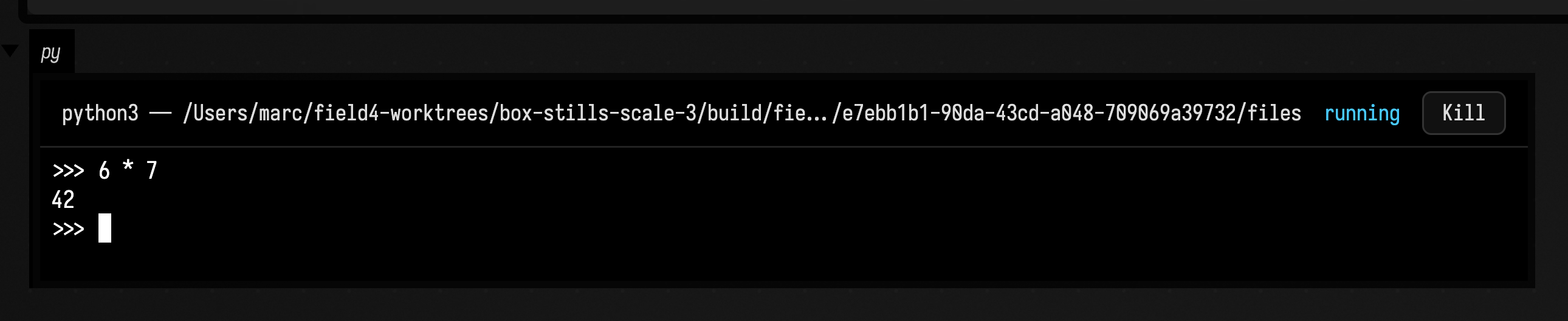
This box drives a Python session, waiting for its prompt and then for the answer to a sum:
go {
    val py = terminal("py", command = ["python3", "-q"], height = 110)
    py.awaitOutput(">>> ")
    val answer = py.sendAndAwait("6 * 7", Regex("""\d+"""))
    print("the answer is ${answer.value}")
}
awaitExit turns a build into a step you can act on:
go {
    val code = terminal("build", "./gradlew build").awaitExit()
    print(if (code == 0) "built" else "failed with $code")
}
Each of them throws if the process exits before what it is waiting for happens, and each takes a
timeoutMs. For awaitOutput and sendAndAwait it defaults to 30 seconds; awaitExit waits as
long as it takes unless you give one.
Running the box again
Running the box again ends the terminal it showed on that channel and starts a fresh one. To keep
a running one instead, such as a long build or a server, pass keep = true, and the box shows the
same terminal again:
terminal("server", "python3 -m http.server 8000", keep = true)running and exitCode tell you where a terminal is, and kill() ends it and everything it
started.
Note
At most four terminals run at once across Field, including any that Field's own pages have
opened. A fifth terminal() throws; kill one first.
See also: Box Output for channels and panels, and Output Panel Sizing for how a panel takes its size.