RemoteJS and WebXR
To run your Field graphics in a browser, open this page on the device where you want to see them:
https://FIELD_HOST:9092/extensions/remote_ar/index.htmlFIELD_HOST is the machine your Field is running on and 9092 is Field's own HTTPS port, so that address, like every other /extensions/… path on this page, is served by a running Field. Type it into a browser beside a live Field; it is not a link on this site.
Load it on an Android phone, on a headset, or in a second browser window on the machine Field is already running on. Wherever you open it, it connects back to the Field server over WebSocket and executes your Javascript boxes there. The same page has three modes:
- Android and desktop browsers use the browser's native WebXR implementation.
- The Endrun iOS app injects its ARKit-backed WebXR compatibility layer before this page loads.
- A browser without an immersive XR session still runs the Three.js scene, RemoteJS execution, completion, and tests in flat mode.
There is no external key, hosted scene, or platform-specific page to set up.
To sketch in a browser tab on your desktop, with no headset involved, start with Javascript in a browser tab; this page is the reference for the head itself and for WebXR.
This is the browser head. Field's other head is native and does not go through WebXR at all. See Apple Vision Pro for the visionOS front end, its RealityKit and Live Metal surfaces, and the pose channel that lets the desktop renderer draw from the wearer's own viewpoint.
Start a RemoteJS document
- Start Field and open a document.
- Create a box that will be the language root. Run Set Main Language: Javascript on that box.
- Connect Javascript boxes as children of that root.
- Open the remote head URL on the target device. Use Field's HTTPS URL on a phone or headset because immersive WebXR requires a secure context.
- Run or launch a Javascript child box in Field.
The main-language action stores mainLanguage = remotejs on the root and labels its child boxes as Javascript.
The checked-in remote and advanced_remote templates contain examples of FLine geometry, assets, animation, and interaction.
Preview the head inside Field
You do not need a phone or headset to see the head. remoteAr() embeds it in a box's output pane and opens it, so the live A-Frame/Three.js scene renders right on the canvas beside your code. On a desktop browser it runs in flat mode; the same embed enters AR/VR on a device or the Endrun iOS app.
remoteAr(debug = true, selfTest = true, width = 560, height = 150)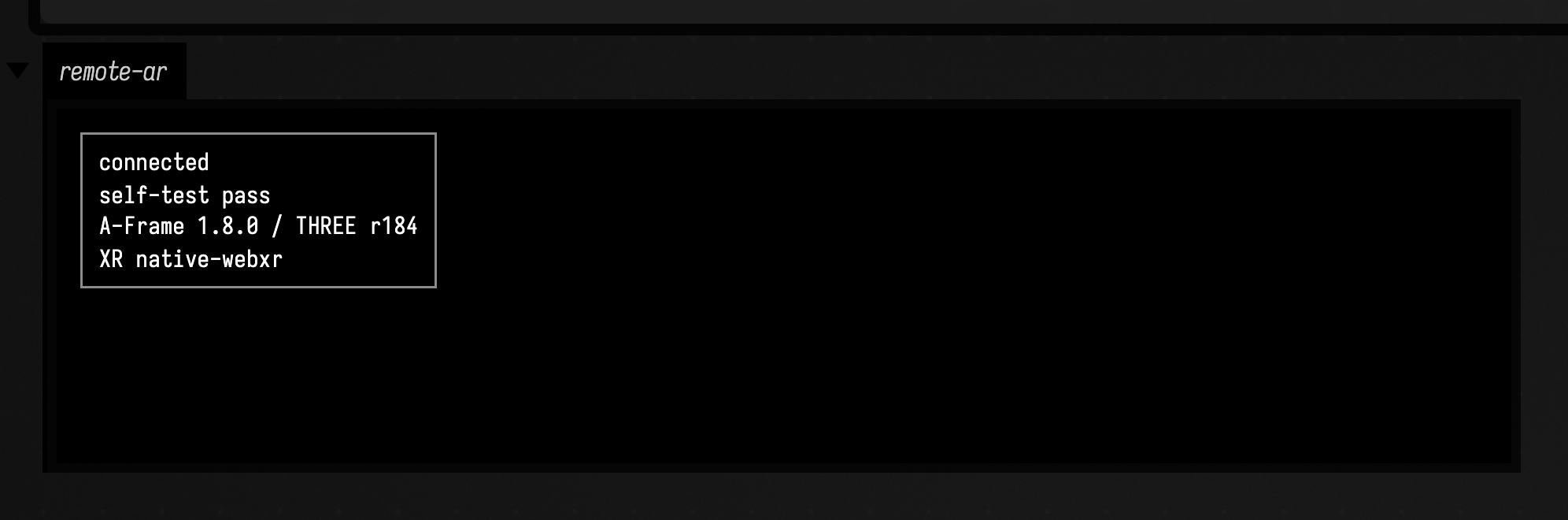
debug = true shows the status panel (connection, A-Frame/Three.js versions, XR platform); selfTest = true runs the head's in-browser self-test on boot and reports pass/fail. The iframe carries the class field-remote-ar-head so page scripts and tests can target it. remoteAr() is a thin convenience over assigning the iframe into a box output channel yourself and opening it:
display(
    "remote-ar",
    """
    <iframe src="/extensions/remote_ar/index.html?debug=1"
            allow="xr-spatial-tracking; fullscreen"
            style="display:block;width:960px;height:540px;border:0;background:#000"></iframe>
    """
        .trimIndent(),
)
displayOpen("remote-ar")
The leading slash in that src is relative to Field's server: a box's output pane is served by the same Field that serves /extensions/. Copied into a web page anywhere else, it points at nothing.
Draw into the head from Kotlin
The head runs Kotlin too. A box whose main language is Kotlin → head (kotlinjs) compiles its Kotlin source to JavaScript and ships it to every connected head; the first line's // {{ remoteAR }} marker selects the A-Frame/Three.js scene profile, which binds addPlane, addBox, vec, stage, FLine, SCENE, and the THREE.* classes. So a second box can draw straight into the head embedded above. Here it adds a lit plane:
// {{ remoteAR }}
onStart {
    clearAll()

    // addPlane() uses a lit material, so light the scene or it renders black.
    SCENE.add(THREE.AmbientLight(0xffffff, 0.9))
    val key = THREE.DirectionalLight(0xffffff, 1.2)
    key.position.set(2.0, 4.0, 2.0)
    SCENE.add(key)

    val plane = addPlane("celebration", 4.0)
    plane.mesh.position.set(0.0, 1.6, -1.6)
    plane.material.color.setRGB(0.25, 0.6, 1.0)
}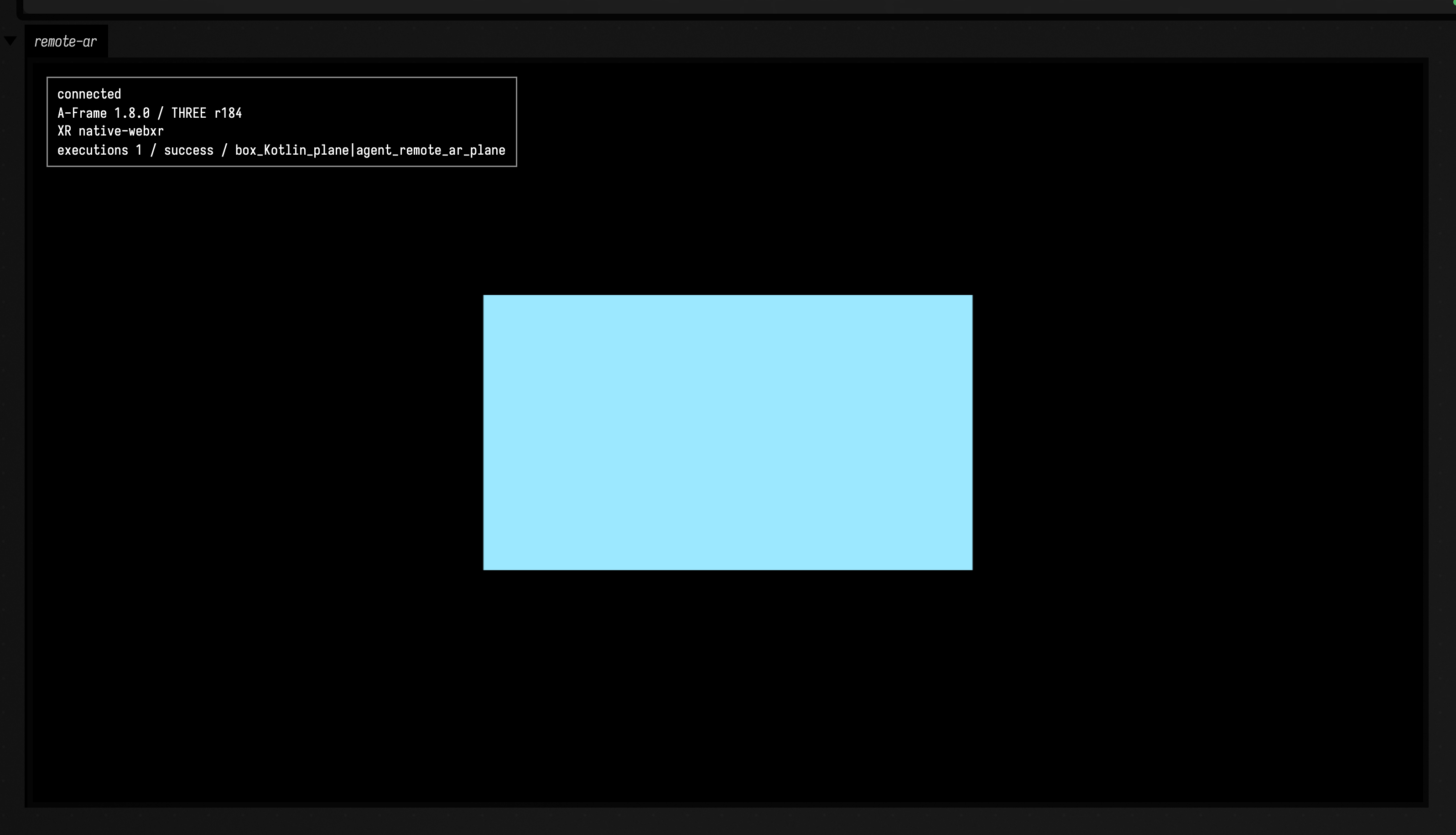
addPlane(name, size) adds a size * 25 cm plane at the origin and returns { mesh, material }; move it with plane.mesh.position and colour it through plane.material.color. onStart/onFrame/onStop run on the head's own render clock when the box is launched. See Kotlin in the Head for the full head API.
FLine graphics
FLine is a small path representation backed by Three.js BufferGeometry. Assigning an FLine into stage creates or updates its stroke, fill, and/or point geometry.
The head's camera stands at eye height, 1.6 m up, so this triangle is drawn at 1.5 m, a metre in front of it:
var triangle = new FLine()
triangle.moveTo(0, 1.5, -1)
triangle.lineTo(0.25, 1.5, -1)
triangle.lineTo(0, 1.75, -1)
triangle.lineTo(0, 1.5, -1)
triangle.color = vec(0.9, 0.9, 1.0, 1.0)
triangle.filled = true

stage.triangle = triangle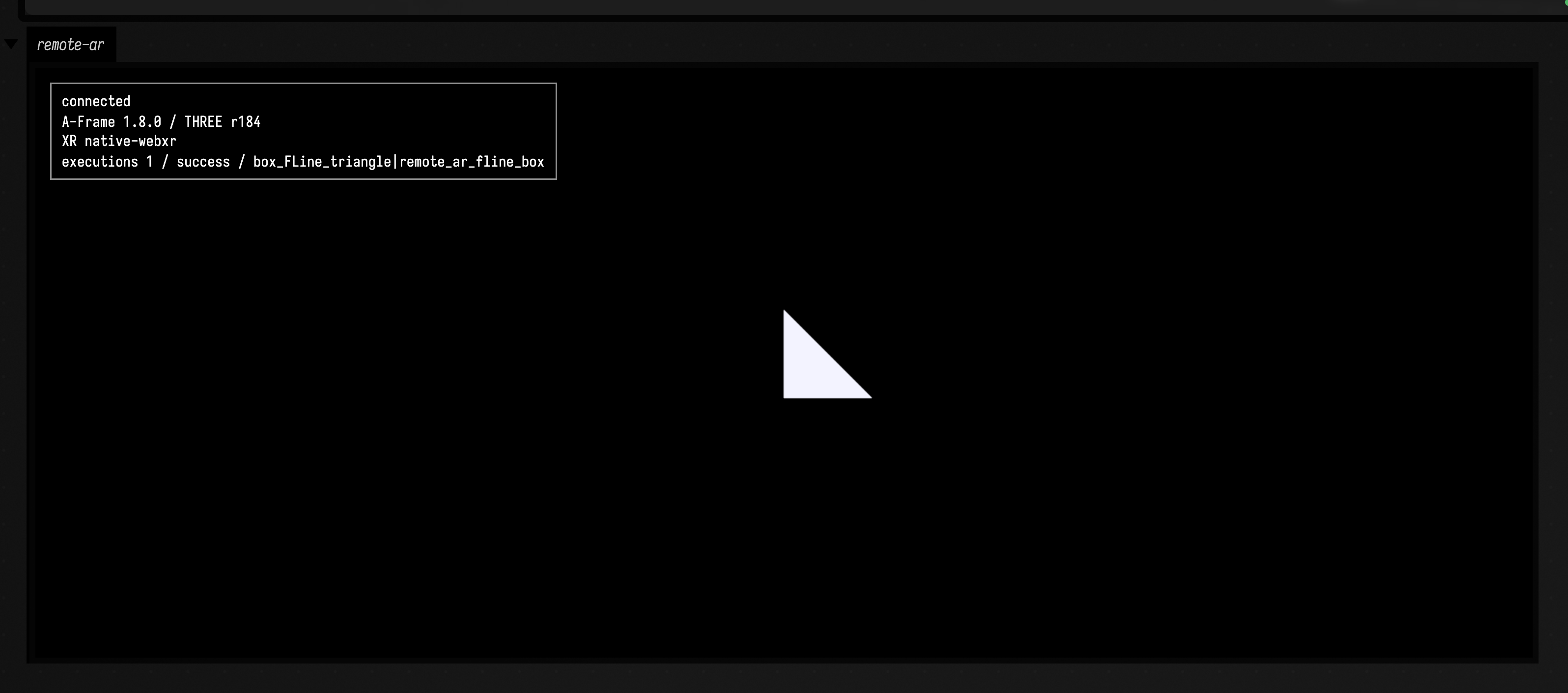
Paths support numeric coordinates or Three.js vectors, moveTo, lineTo, cubicTo, per-vertex uv and vcolor, transforms, strokes, triangulated fills, and points. Reassign the same stage property after changing the path to update its buffers. Delete the property to remove the geometry:
delete stage.triangleUseful scene helpers include vec, rotate, rotate3, scale, translate, findByName, findBySearchingFor, getCurrentCamera, addPlane, addBox, addImagePlane, addVideoPlane, loadGLTF, loadPointCloudPLY, and mapDirectory.
glTF is the preferred animated asset format. loadFBX throws with an explicit conversion suggestion: an FBX loader is not part of the vendored runtime.
Animation
launch schedules a function on the same A-Frame tick that renders the Three.js/WebXR scene:
launch(function () {
    triangle = triangle + vec(0.001, 0, 0)
    stage.triangle = triangle
}, "move-triangle", false)
The optional third argument controls one-shot behavior. false keeps the function in the runloop. over(seconds, name, callback) supplies a value from 0 to 1 over a duration. Stop removes every task the box started, both its own _r task and each launch(...). Animation mixers for loaded glTF assets advance on this same scene tick; there is no second requestAnimationFrame loop.
Pointer and XR interaction
Global callbacks receive pointer/touch events after a Three.js raycast:
mouseDown.place = function (event) {
    print(event.hit)
}
An FLine can also own callbacks. They run only when the ray intersects that line's stroke, fill, or points:
triangle.mouseDown.select = function (event) {
    print(event.intersection.point)
}
The per-line callback maps are mouseDown, mouseUp, mouseMove, and dblClick. The event includes coordinates, ray, and intersects; when WebXR hit testing has a result it also includes hit and xrHit.
For XR-specific work:
var removeHitListener = onXRHit(function (hit) {
    // hit.position is a THREE.Vector3 in local-floor space
})

var removeSelectListener = onXRSelect(function (selection) {
    print(selection.hit)
})

var latest = xrHit()
The head requests local-floor, viewer, and hit-test through standard WebXR. Android browsers provide these directly. Endrun supplies the same navigator.xr surface from ARKit on iOS.
Printing, display and controls
A RemoteJS box prints beside its lines, marks errors where they happen, and draws display
channels, sliders and checkboxes the way a Kotlin box does. Javascript in a browser
tab covers all of it, with the box on a desktop rather than a headset.
Completion and errors
Completion is generated in the connected head from live globals, sandbox variables, prototypes, Three.js, and the documented helper functions. It does not evaluate arbitrary function calls while completing a member expression.
Every execution carries a stable box_NAME|UUID source name. Runtime failures and callback failures are returned to the originating Field box with the browser's message, stack, filename, line, and column. An error is marked on the line that raised it, including a line inside a function the box defined.
Testing the head
Append ?selftest=1&debug=1 to the head URL. The small status panel shows the connection, dependency versions, WebXR platform, and self-test result. A script in the head's page can read the same state:
window.__fieldRemoteHead.snapshot()
await window.__fieldRemoteHead.selfTest()
The self-test checks the vendored A-Frame/Three pairing, scene setup, sandbox storage, runtime completion, source-mapped errors, FLine stroke/cubic geometry, hit callback surfaces, glTF loader, and a complete task lifecycle driven by A-Frame's frame loop. It runs on a desktop browser; camera permission and entering an AR session on an Android phone or through Endrun/ARKit can only be checked on the device itself.
Agents: the browser regression for the head
The UI regression creates a real RemoteJS language root in Field, runs a child box through the WebSocket, observes 42 in the head, and captures the status panel:
uv run --project . --group backdoor python tools/run_ui_regressions.py \
  --id remote-ar-head --port 9490 --timeout 45
It is a desktop check of the full transport and rendering head. Camera permission, native Android WebXR session entry, and Endrun/ARKit session entry have no automated test: each needs its physical device, and nothing in the suites drives one.
Vendored runtime
The head loads local copies of A-Frame 1.8.0 and Tone.js 15.1.22 from extensions/remote_ar/vendor/, so it needs no network beyond the connection to Field. A-Frame's browser bundle embeds its own super-three 0.184.0, so there is no separate Three.js in the head.
Agents: refreshing the vendor tree
The one Three.js anything imports directly is the stock build under vendor/three/ that the docs viewer uses. Licenses, package metadata, archive checksums, and refresh instructions live beside the vendored files. To reproduce the vendor tree:
python3 tools/vendor_remote_ar_runtime.py