Hot metal, cooling
The recorded exchange: the request, the tool activity, every image the tools returned to the model, and its reply. Expand tool activity to read the steps; open an image to see it full size.
Now the face_decay slot (the fragment shader). The faces are plain grey. I'd like them to look like hot metal cooling: a dull dark iron at rest, glowing orange where a face has flown far out.
Tool activity · 11 steps
Starting AI conversation
StackAutoSlotGuide finished (4 ms)
InspectStackAutoSlot finished (3 ms)
ListContentsRequest finished (220 ms)
CaptureRenderWindowRequest finished (46 ms)
Waiting for model
Calculating color mapping
Calculating color mapping
I’m trying to work on a simple arithmetic mapping for colors, specifically using heat levels. I think I can apply a formula for orange and warm red by using separate channel powers. I’m considering a smooth heat adjustment and calculating the peak values for orange. I think I need to avoid any negative values and can use a linear interpolation guide. Overall, it seems that the arithmetic is looking fine for my purpose!
Next tool:
EditStackAutoSlotEditStackAutoSlot finished (5726 ms)
CompileKotlinRequest finished (47 ms)
ReloadShadersRequest finished (166 ms)
Completed
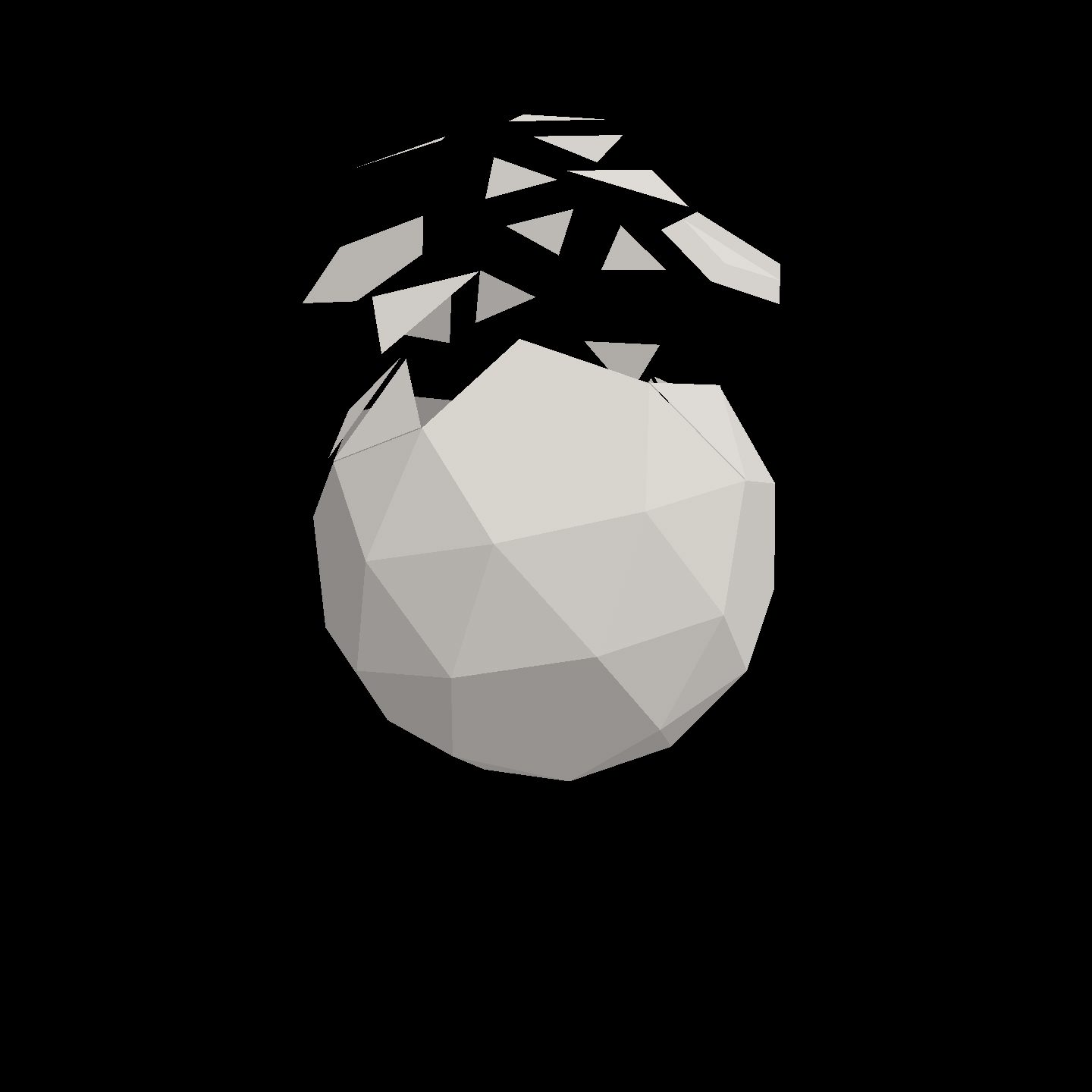
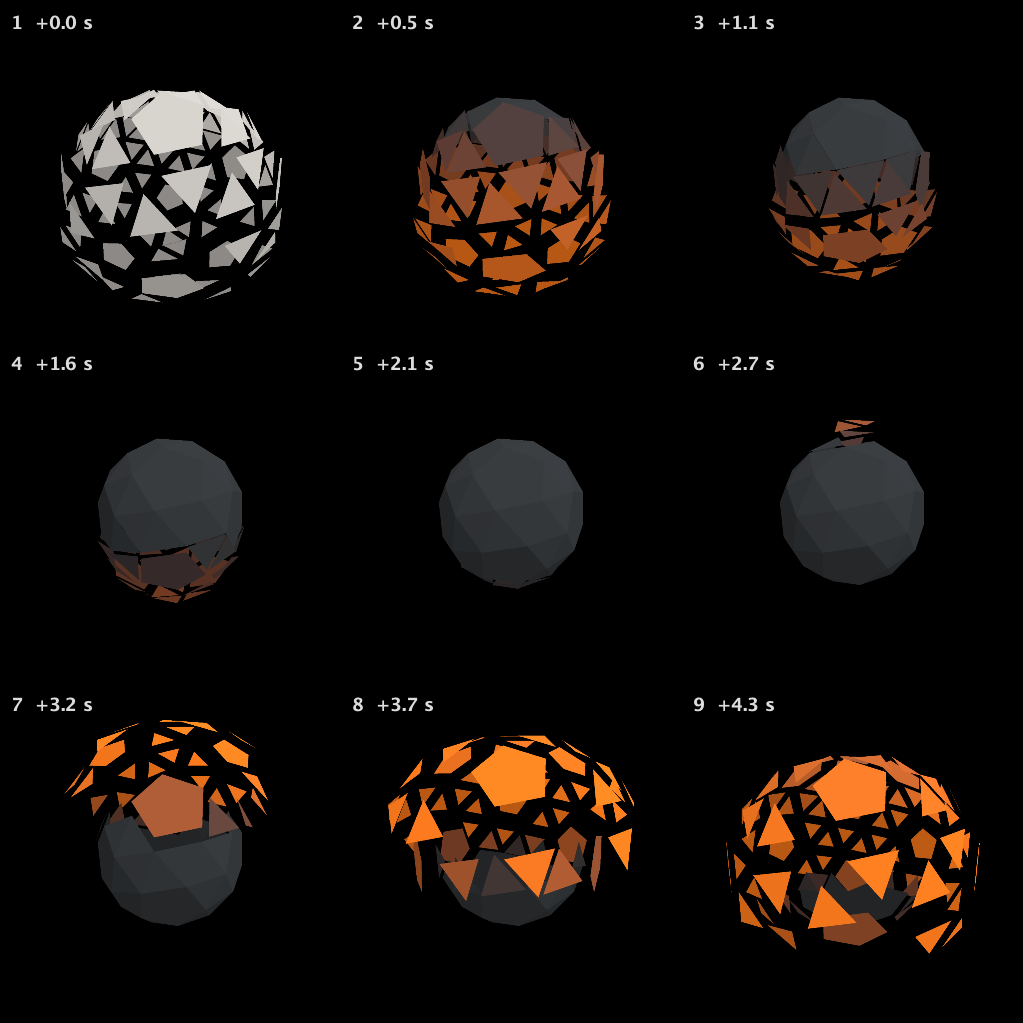
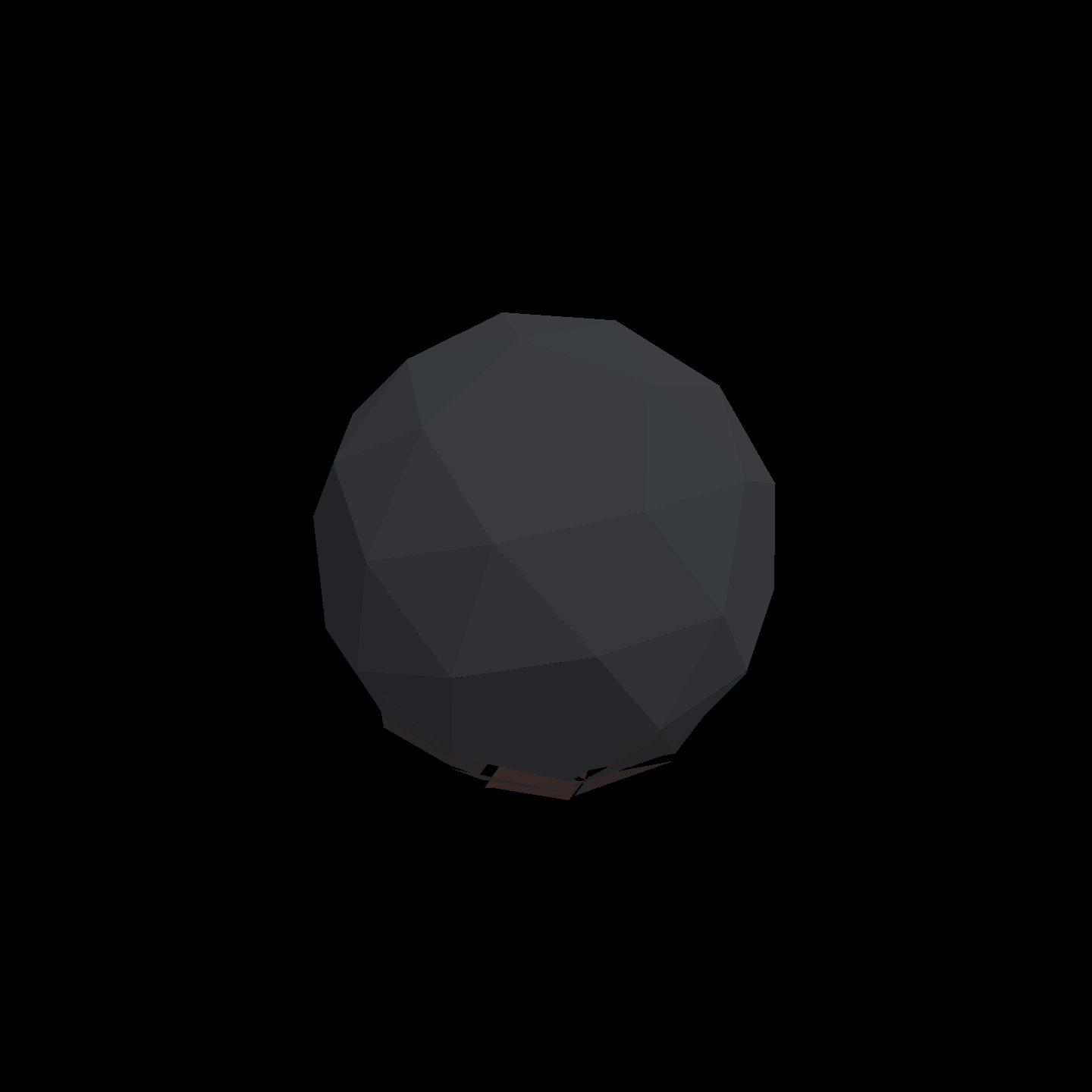
Updated face_decay:
- Dull, dark iron when faces are home.
- Bright orange at full outward travel.
- Smooth cooling as each face returns, following the existing top-to-bottom wave.
Motion and opacity are unchanged—no burn-through added.
The cycle captures show orange separated faces cooling back into a dark solid. Kotlin compilation and shader reload both succeeded.