Twice as fast, the moon untouched
The recorded exchange: the request, the tool activity, every image the tools returned to the model, and its reply. Expand tool activity to read the steps; open an image to see it full size.
- Moved knob 22 to 1.8 with its slider in the study card and pressed Keep →
r4-c3c9527402fc“numbers set by hand: k22 1.3→1.8”
Make the wave twice as fast, but leave the moon and its shimmer exactly as they are — and show me they didn't change.
Tool activity · 10 steps
Starting AI conversation
InspectRectSLStudy finished (3 ms)
Waiting for model
Evaluating object preservation
Evaluating object preservation
I need to focus on preserving objects rather than just pixel occlusion, which is an important caveat to explain. It seems like I might need to compare tools multiple times, maybe up to eight. I’m planning to use scales of 0 to 6 in increments of 0.5. It looks like I’ll also determine if seven times is sufficient for capturing the necessary data. It’s all about capturing the right information clearly!
Next tool:
CaptureRenderWindowRequestCaptureRenderWindowRequest finished (41 ms)
PatchRectSLStudy finished (1493 ms)
CompareRectSLStudy finished (988 ms)
CompareRectSLStudy finished (821 ms)
CaptureRenderWindowRequest finished (33 ms)
Completed
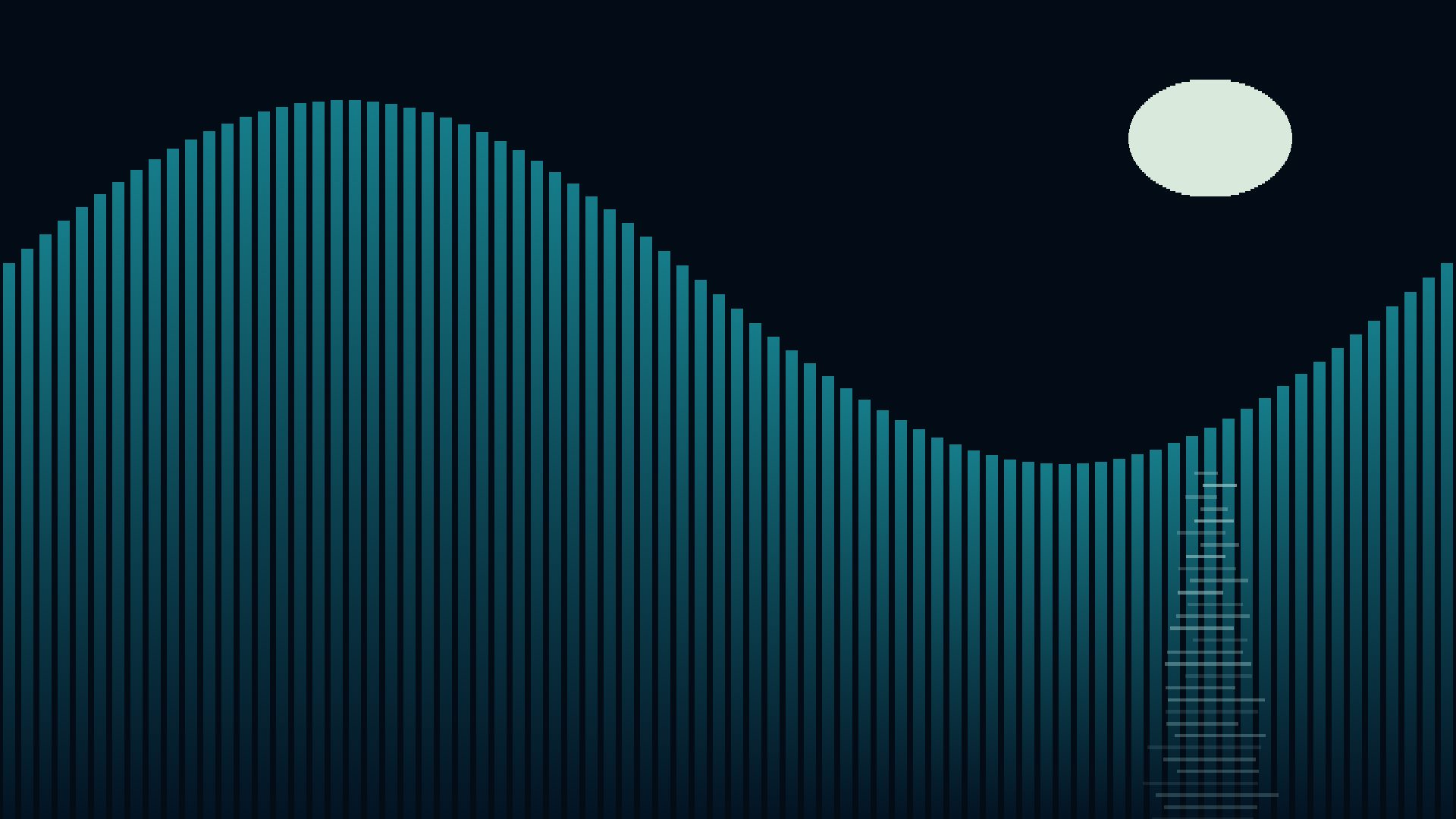
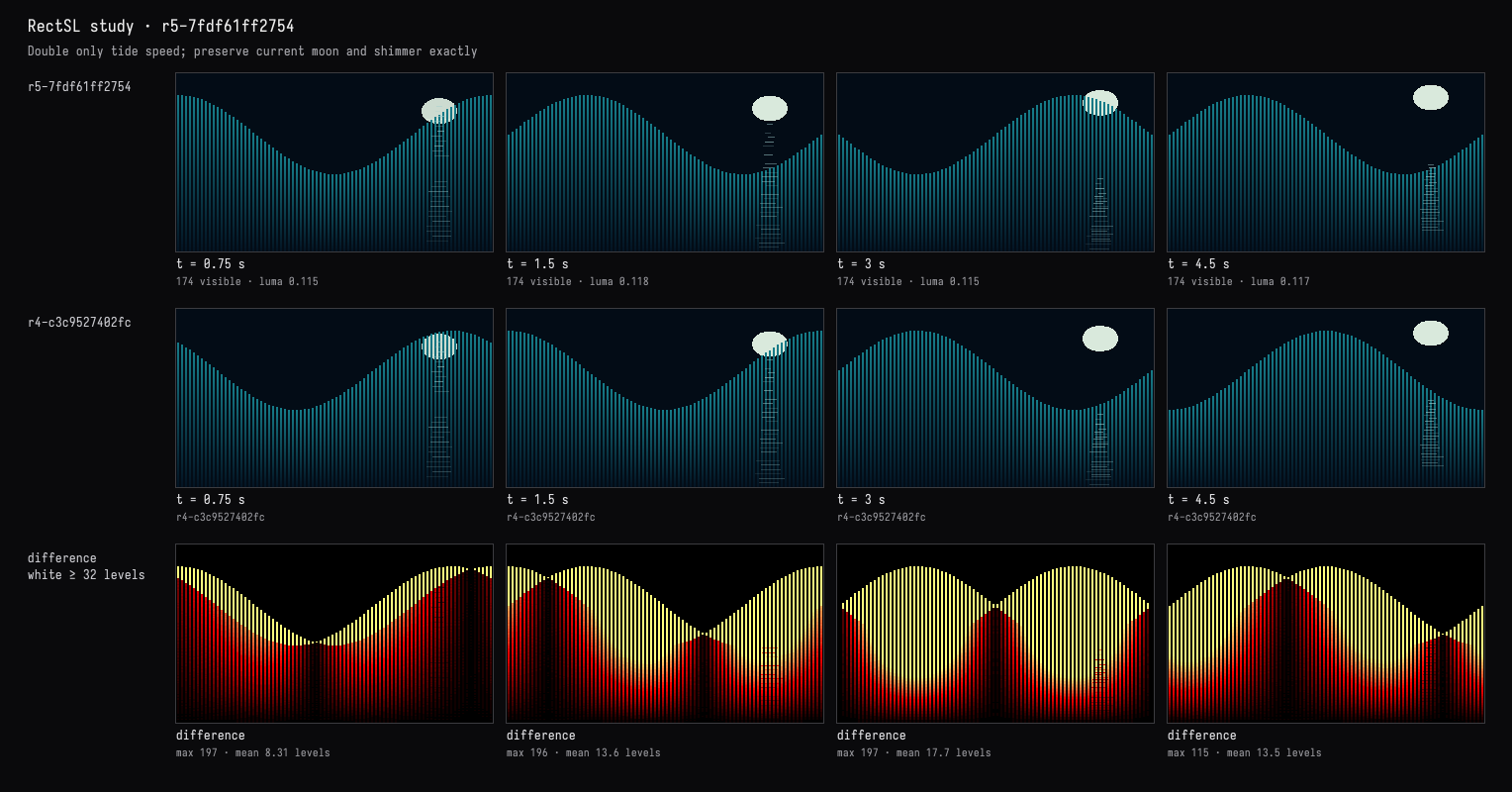
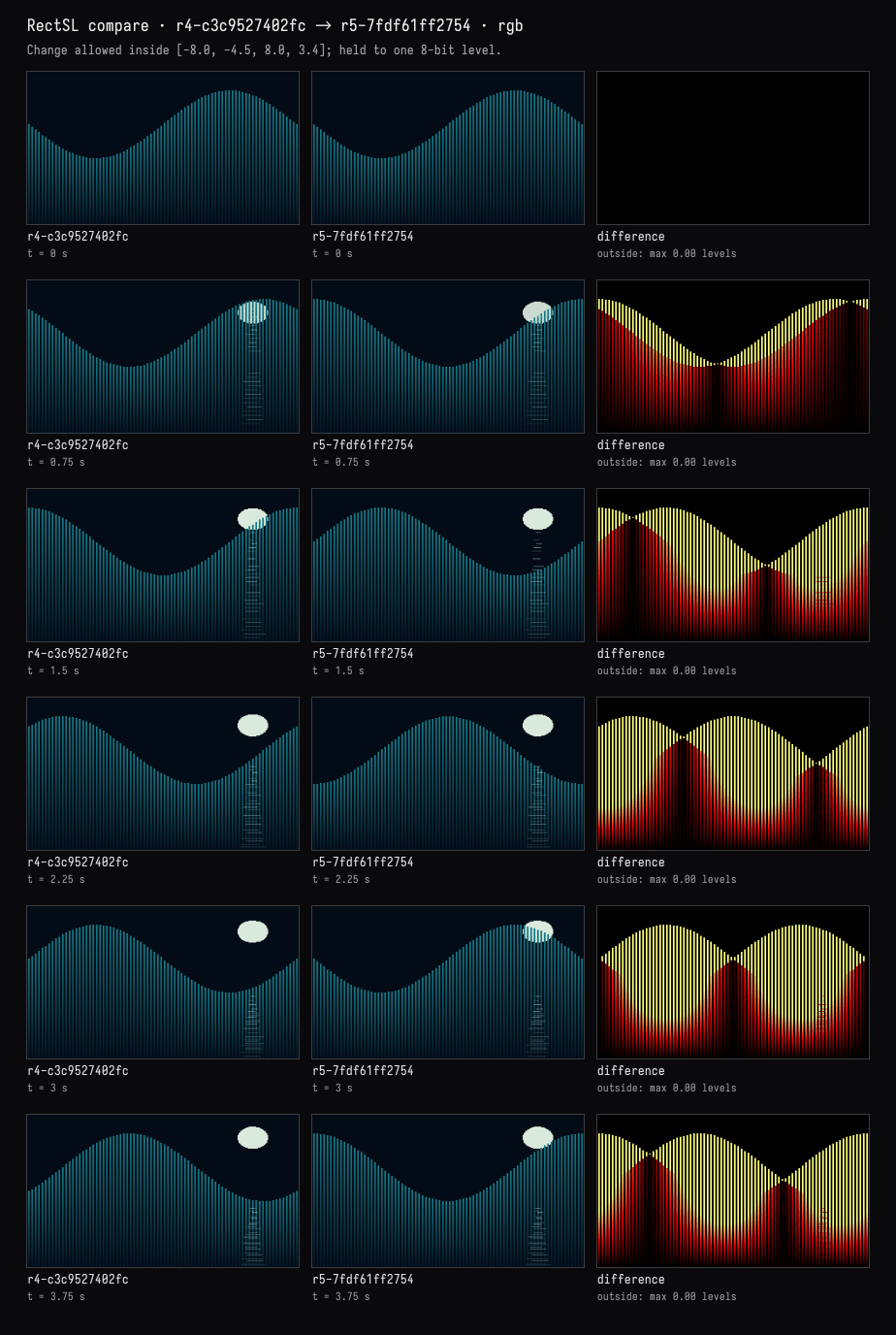
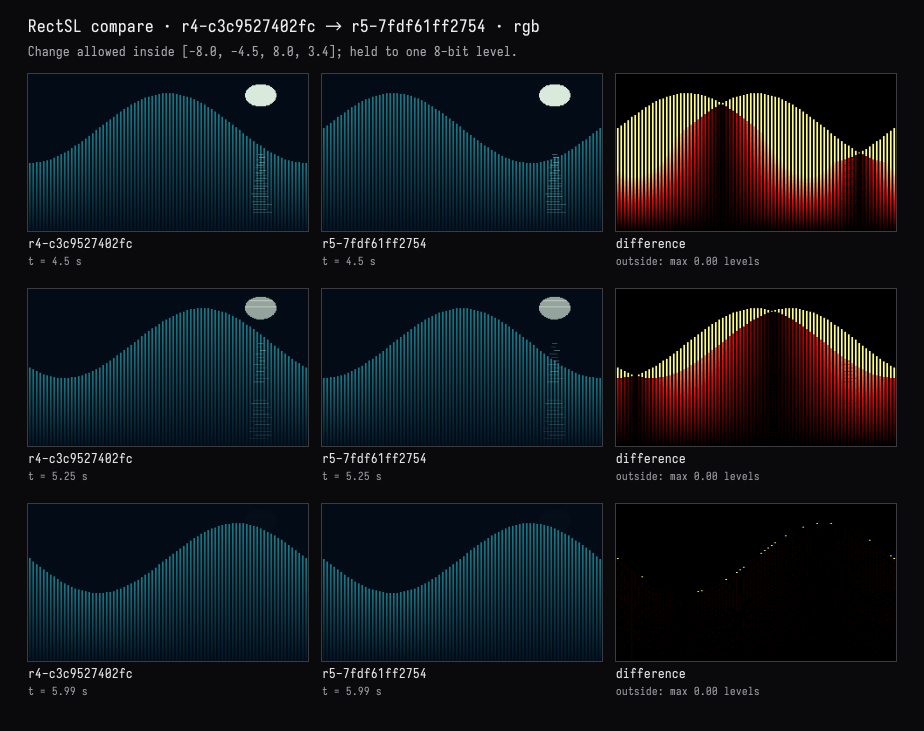
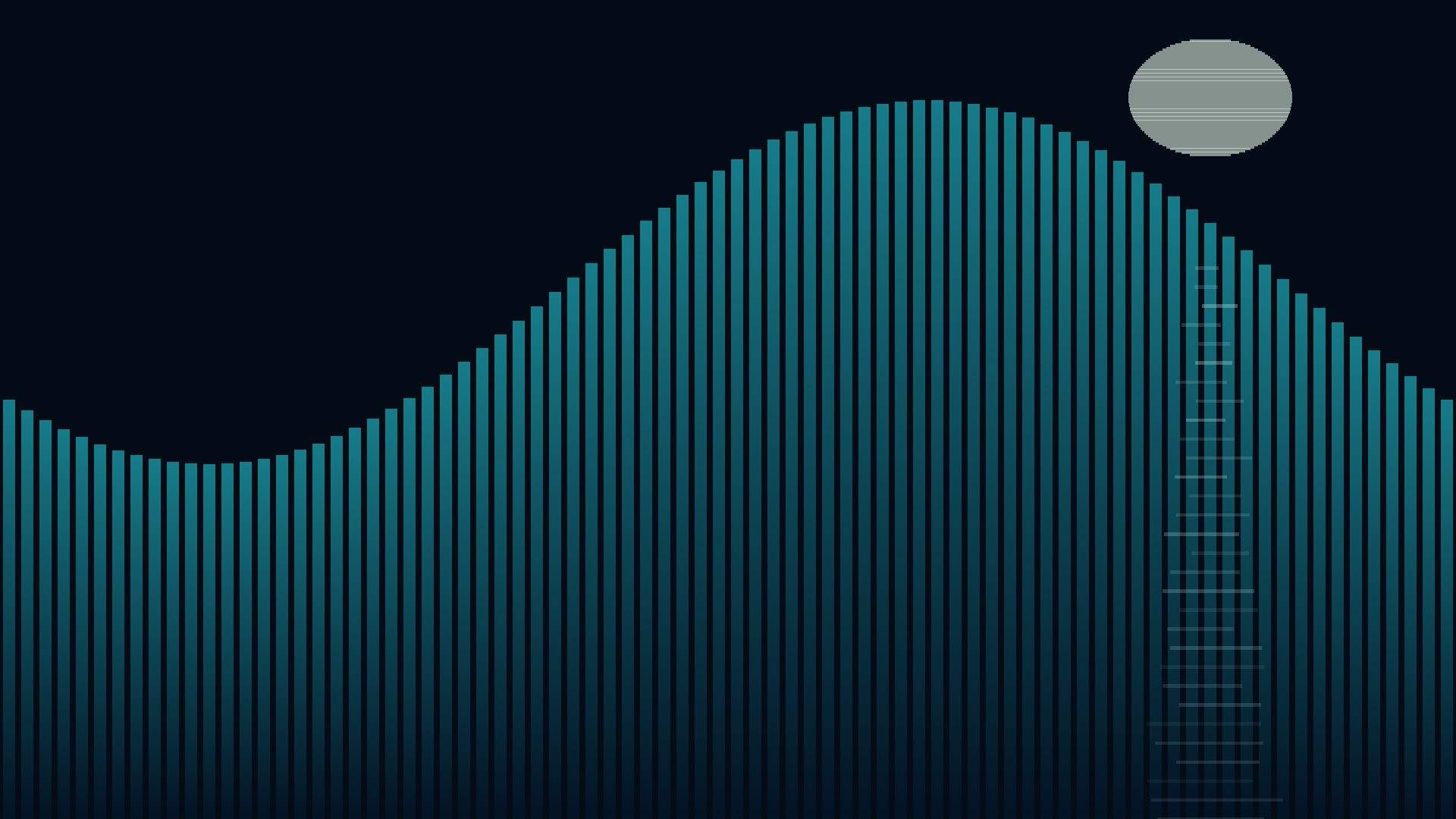
The wave now runs twice as fast: one cycle every 3 seconds, instead of 6.
The before/after comparisons above checked nine times across the clip:
| Elements | Result |
|---|---|
| 80 tide bars | Only animated position and height changed |
| 64 moon slices | Unchanged, including your widened shape |
| 30 shimmer strokes | Unchanged |
| Objects added or removed | None |
The live view retains the pale oval moon and broken reflection over the teal bars. Overlap can look different because the water moves faster; the moon’s rise, fade, and the shimmer’s original timing remain untouched.
Compilation and visual checks passed.