A canon
The recorded exchange: the request, the tool activity, every image the tools returned to the model, and its reply. Expand tool activity to read the steps; open an image to see it full size.
Make the lower rows answer the top row, each one a beat later, like a canon.
Tool activity · 8 steps
Starting AI conversation
InspectRectSLStudy finished (1 ms)
Waiting for model
Figuring out delay semantics
Figuring out delay semantics
I need to determine if delay semantics likely track the delays when I modify the wrapper. Maybe I can implement a loop and then verify if the delay works properly by checking the preview. It seems like a bit of a puzzle, but I think by iterating through this process, I could get a clearer understanding of how these components interact. I'm curious to see if everything aligns correctly in the end!
Next tool:
CaptureRenderWindowRequestCaptureRenderWindowRequest finished (28 ms)
PatchRectSLStudy finished (1403 ms)
CaptureRenderWindowRequest finished (29 ms)
Completed
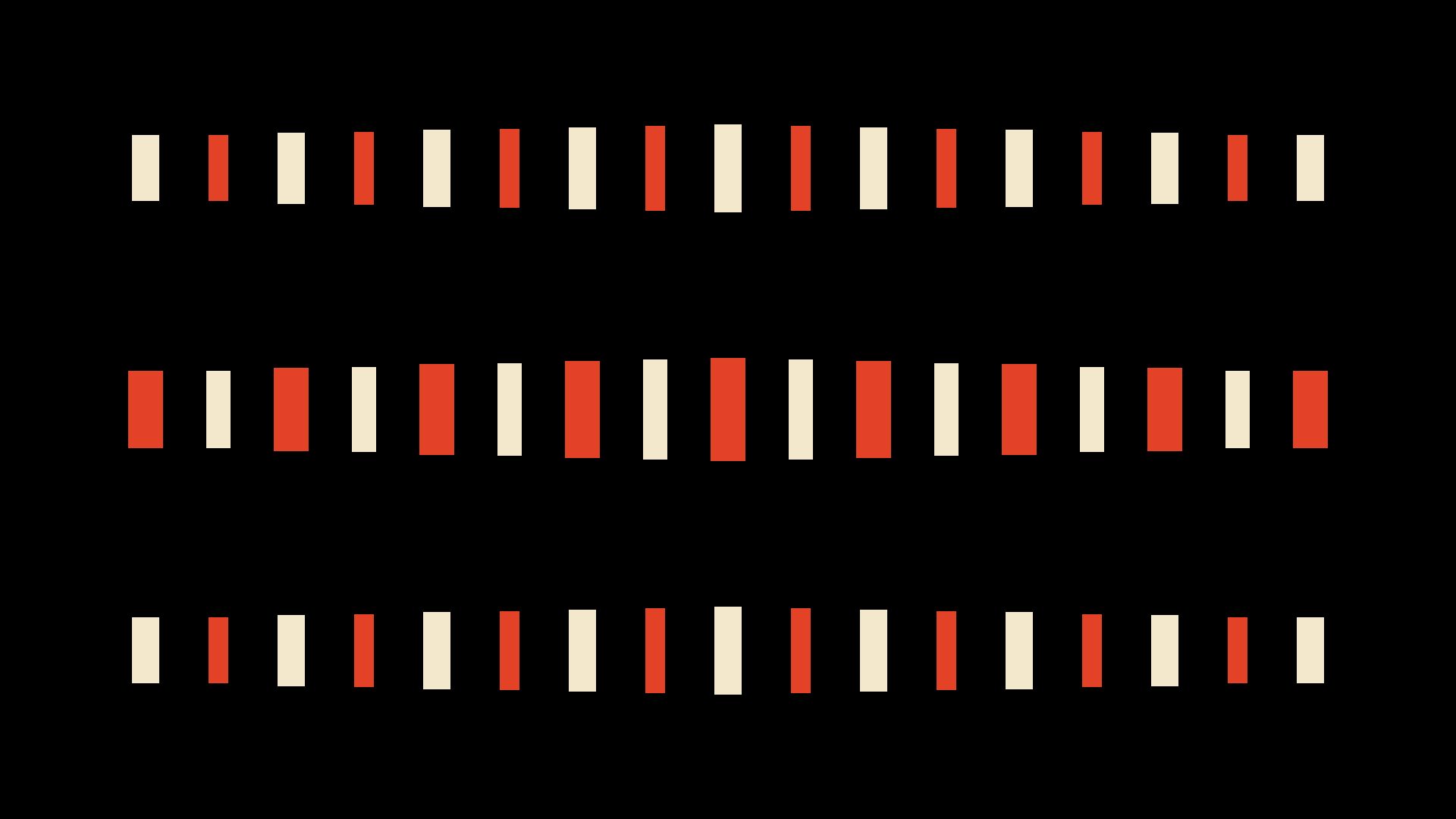
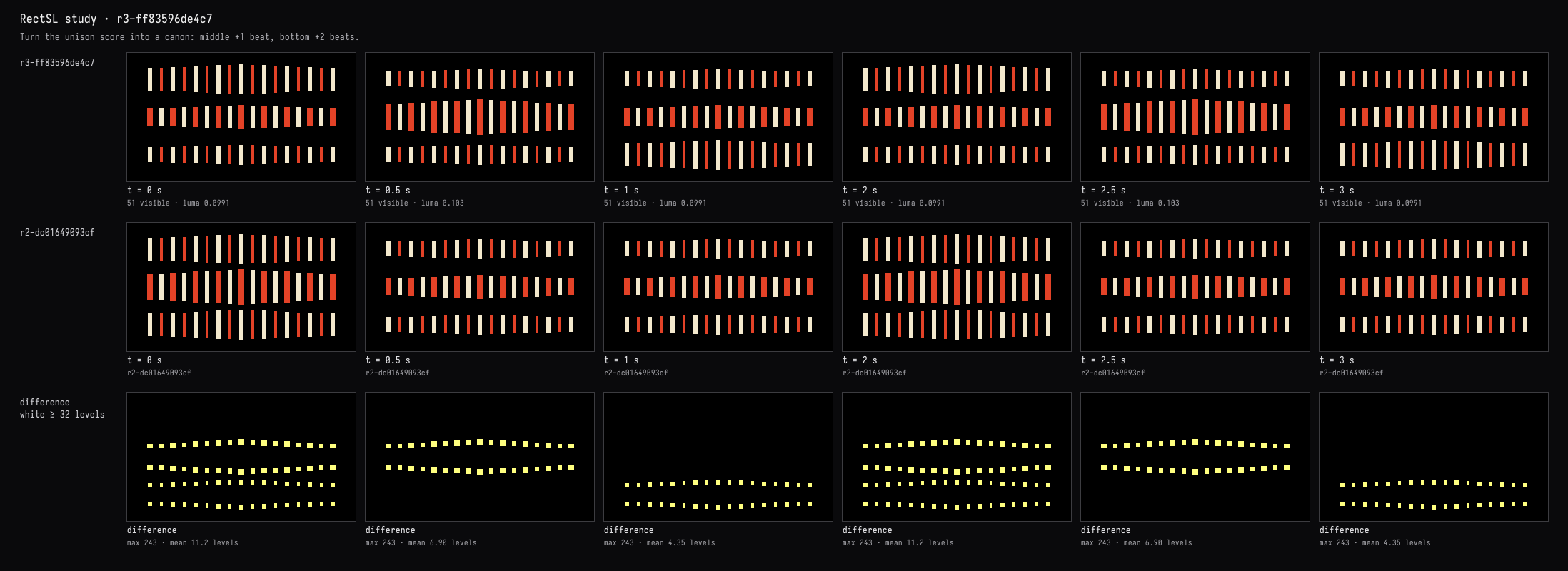
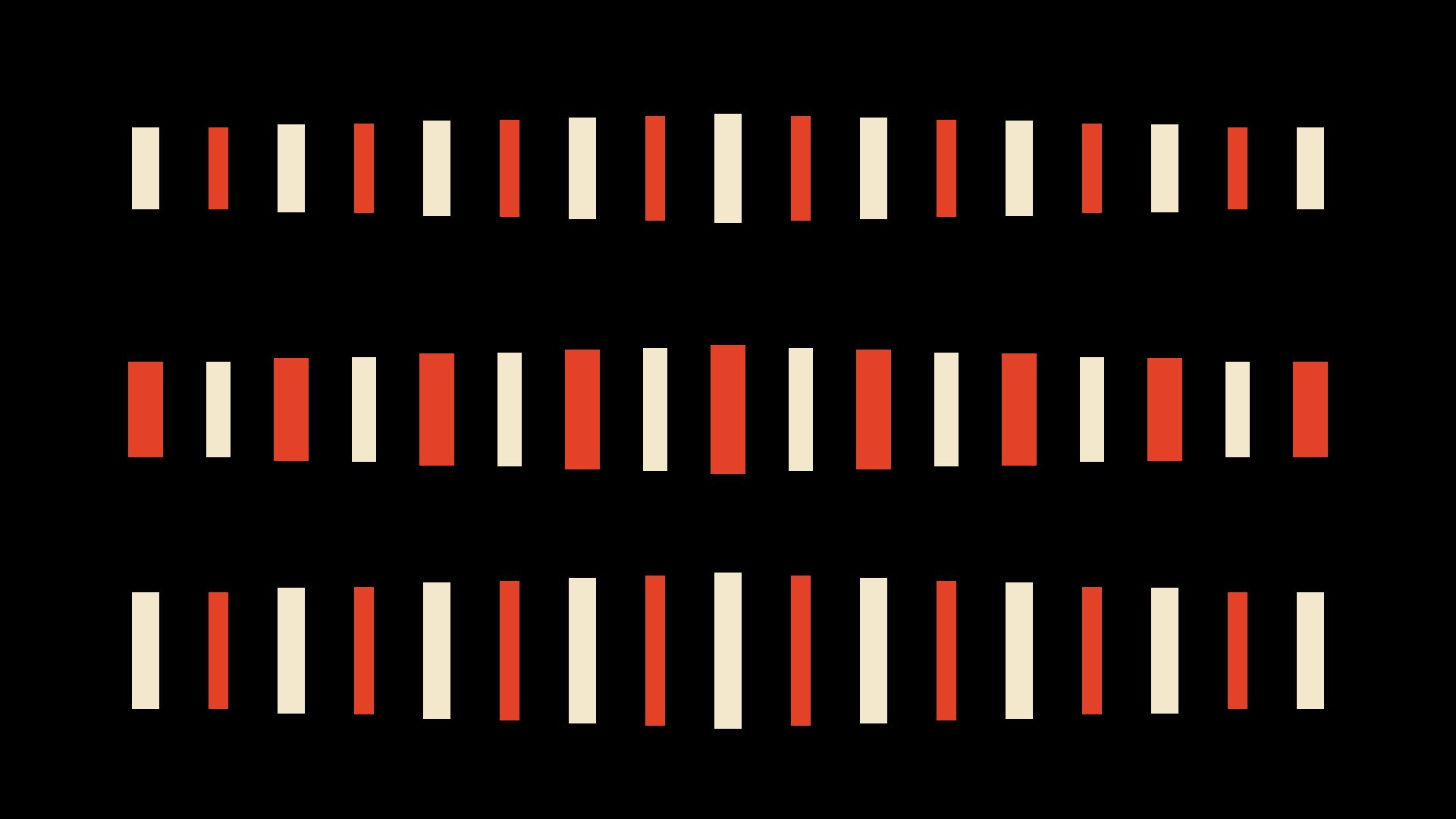
Done—the accent now travels down the rows like a canon:
- Top: leads.
- Middle: follows one beat later, 0.5 s.
- Bottom: follows another beat later, 1 s behind the top.
The live view retains the cream/vermilion bars on black, with the bottom row visibly extended in its answering accent. Timed previews confirm the top → middle → bottom sequence. Compilation and visual checks passed.